
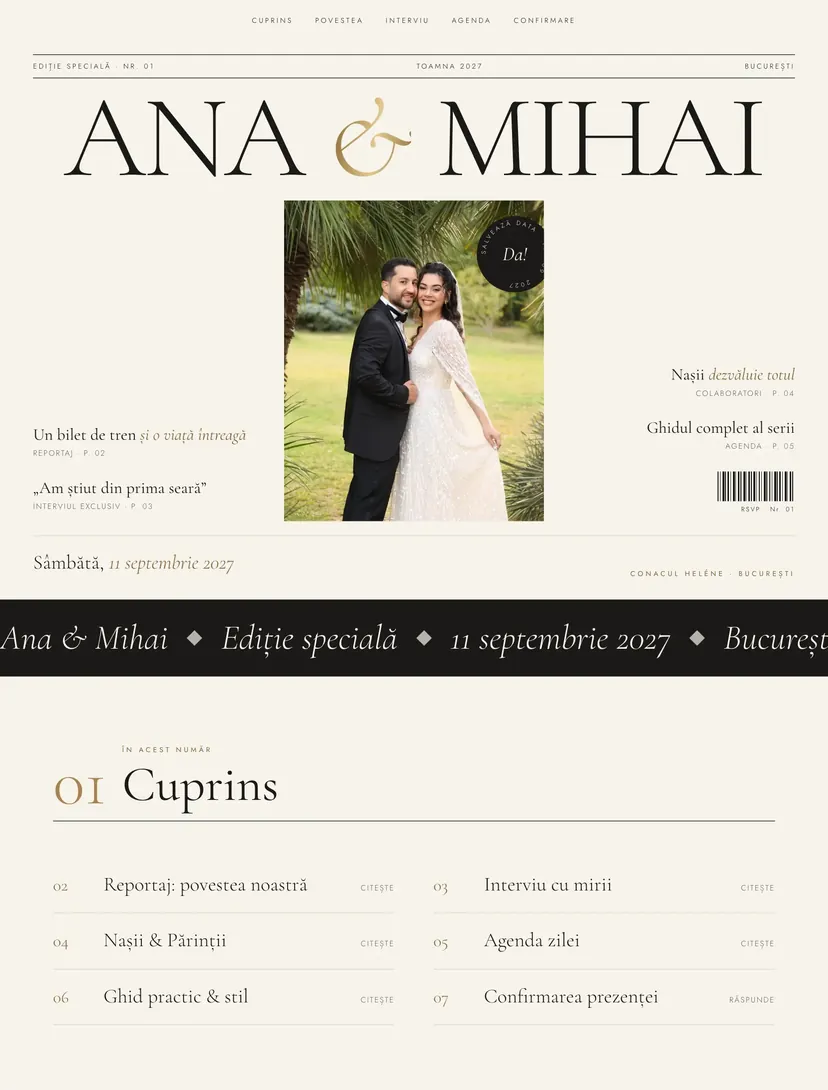
Editorial wedding invitation — your wedding on a magazine cover
A big cover headline, a contents page, a feature story with ornate initials and an interview with the couple. The gallery scrolls horizontally like a fashion spread, and the confirmation is the last page of the special issue.
Why guests will pass the link on
Every Pinvite design has a surprise interaction built around its theme. In Editorial: a magazine cover and an interview.
A magazine cover
Your names as the title of a special issue, with the date and place standing in for the issue number.
A feature with drop caps
The story is written like an article, with ornate letters at the start of each chapter.
Interview with the couple
Short questions and answers about you, the most read part of the invitation.
A spread gallery
Photos scroll horizontally, like the pages of a fashion spread.
Colors and fonts of the Editorial design
A recommended starting point from our designers. Keep them or change them in the editor.
#F7F3EC#1B1A17#83663A#A8844EThe Editorial invitation: for which celebration
The Editorial design is for couples who love beautiful typography and big photographs. The magazine structure, with cover, contents, feature and interview, makes every section of the invitation a pleasure to read instead of something skimmed in a hurry.
It works very well with an engagement photo session and suits weddings in hotels, urban restaurants or elegant event halls.
What the invitation contains
The sections of this design, ready to use. Hide the ones you do not need.
From design to the link you send
Start from Editorial
Open the design in the editor, no card needed.
Make it yours
Change the names, date, venues, photos and texts. Preview on the phone in real time.
Send the link
On WhatsApp, by email or as a QR code on the printed invitation. Confirmations arrive live in your list.
About the Editorial design
Do I need many photos?
Can I change the interview questions?
Can I change the colors, fonts and texts?
How do guests confirm?
How much does a Pinvite wedding website cost?
Does it work well on a phone?
Similar designs
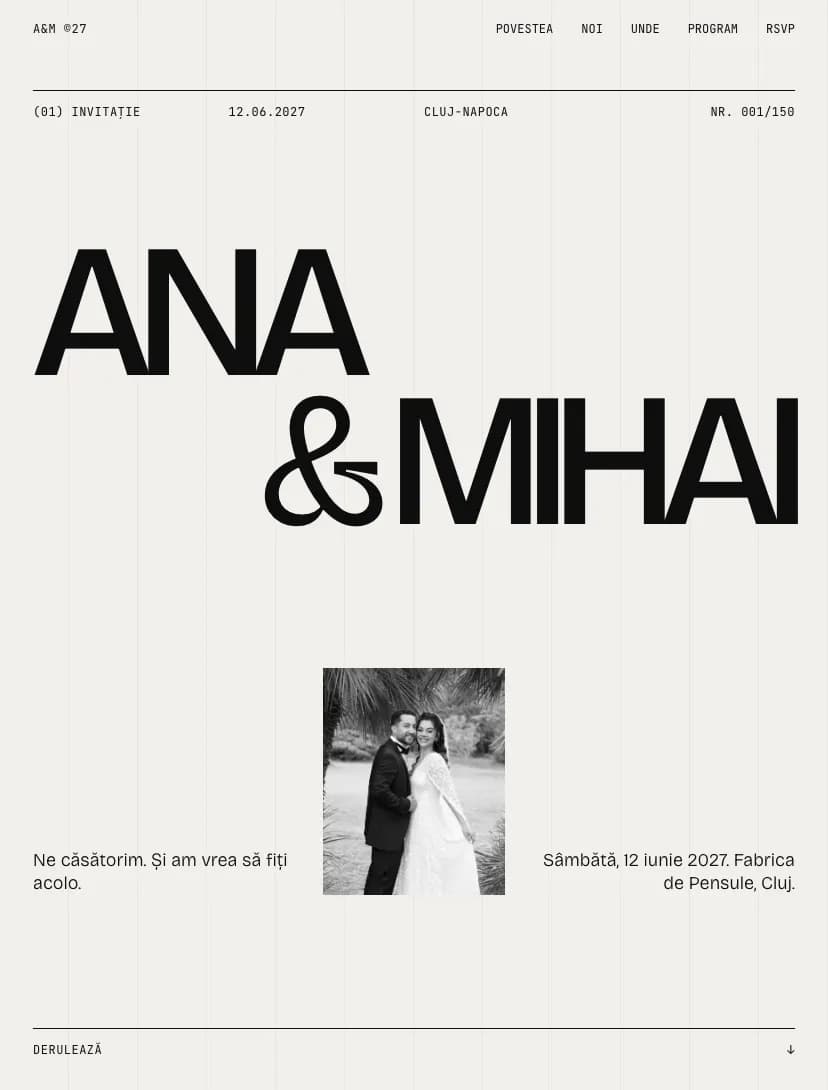
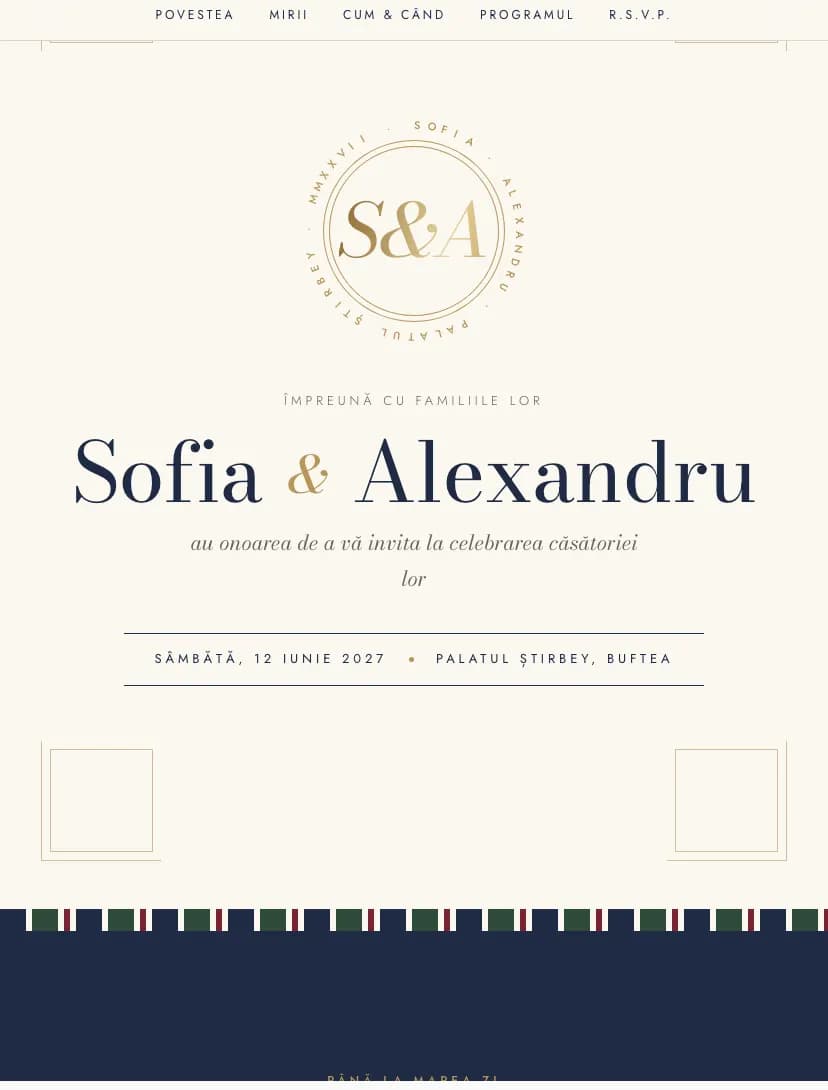
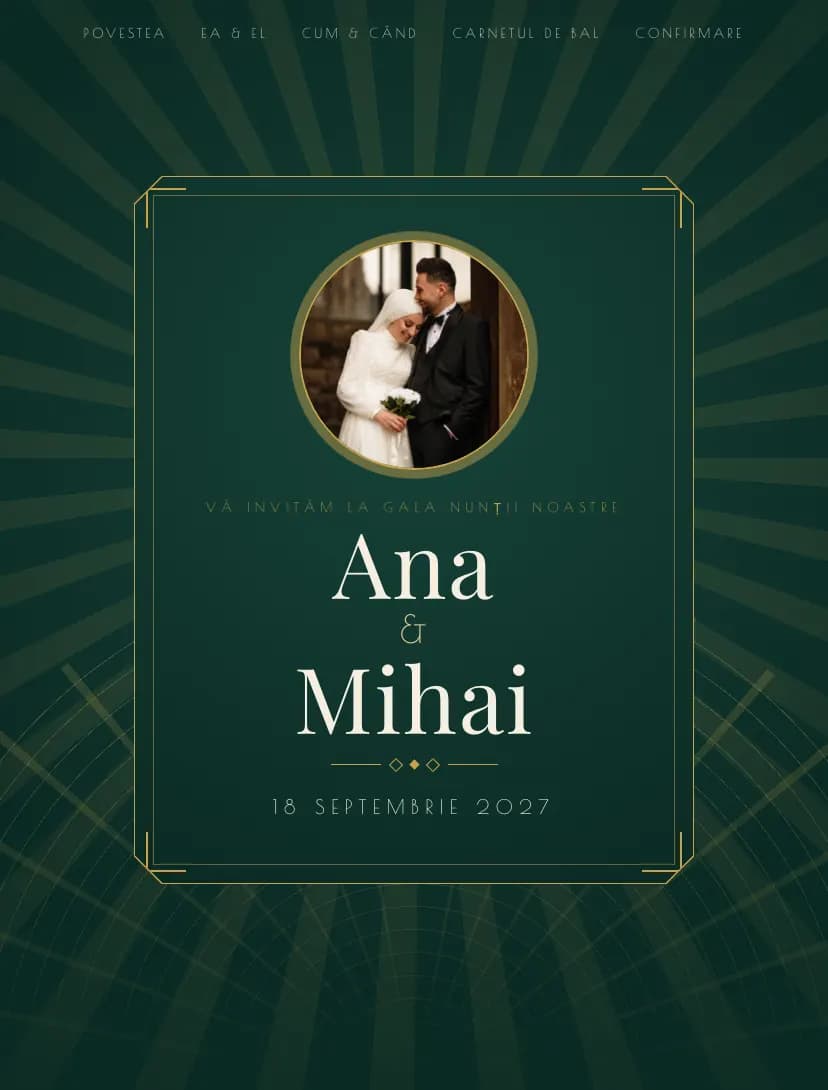
Your wedding, in Editorialstyle.
Open the design in the editor, personalize it in minutes and send the link. Free for up to 15 confirmations.