
Digital Baptism Invitations with RSVP
Create beautiful baptism invitations online with built-in RSVP tracking and guest management. Choose from elegant christening templates, customize your design, and share via WhatsApp or link. Track guest responses in real-time, manage seating arrangements, and collect menu preferences — all in one place. Free to start, no credit card needed.
Share via WhatsApp, SMS & Link
Share your invitation link on WhatsApp, by SMS, or through another messaging app, or send invitations by email from Pinvite.
Digital RSVP with Custom Questions
Collect attendance confirmations, menu preferences, dietary restrictions, and the number of companions through a baptism RSVP form. Know exactly who is coming.
Nominal & Global Invitations
Send personalized christening invitations with each guest's name, or share a single link for everyone. Both options include full RSVP tracking.
Guest Seating Chart
Organize your baptism reception seating with an interactive seating chart. Assign guests to tables manually or let Pinvite auto-arrange based on RSVP confirmations.
Gift List Management
Create a baptism gift registry so guests can choose the perfect present. Track selections in real-time and avoid duplicate gifts.
Types of Invitations for Baptism
Plan an unforgettable baptism with online Pinvite invitations
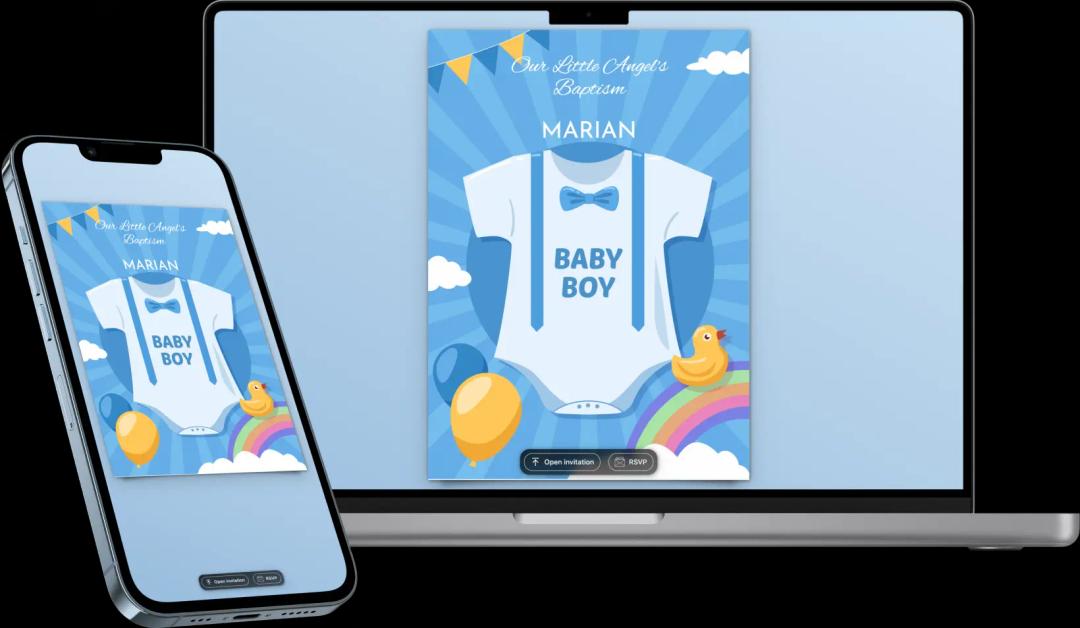
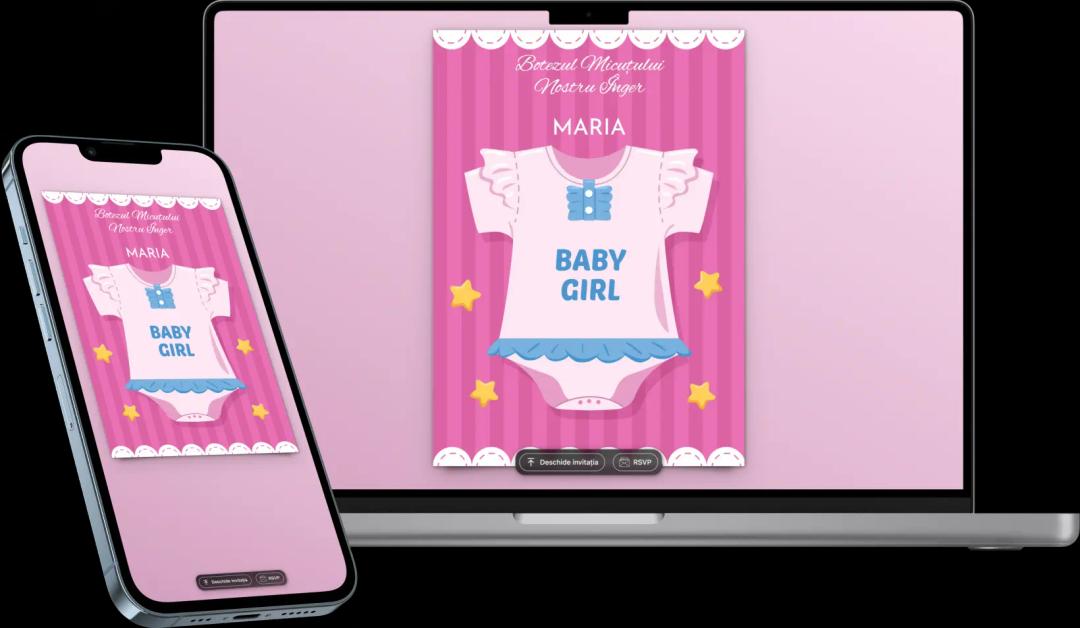
Classic
Our classic baptism invitations combine elegance and simplicity. Perfect for those who want a traditional design, these invitations offer refinement and easy customization.
- Simple and refined elegance
- Quick customization and digital distribution
- Integrated RSVP for efficient organization
Website
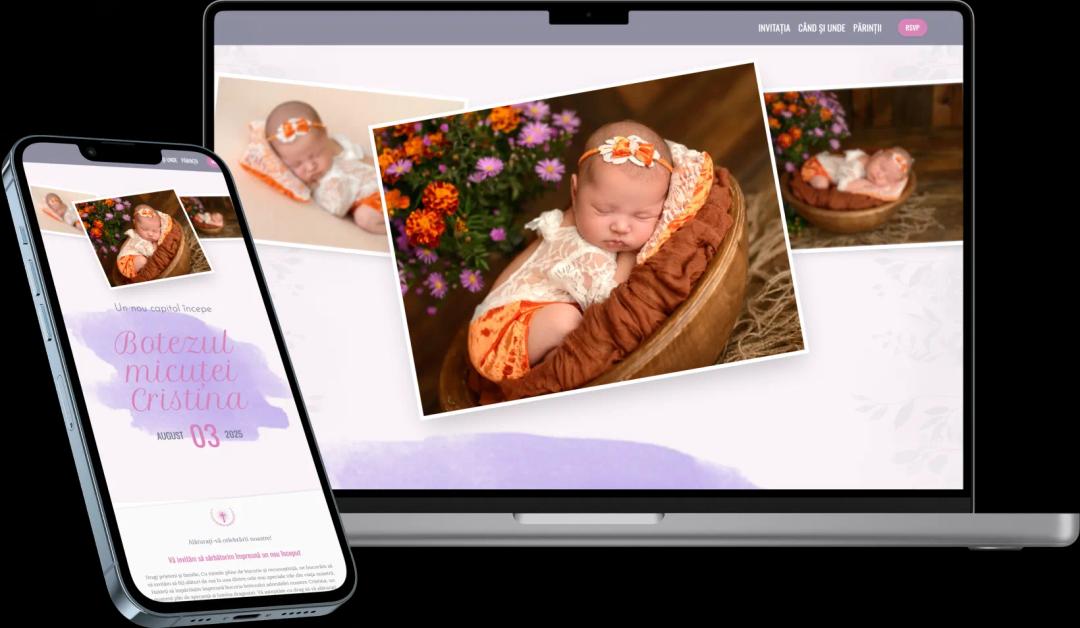
If you want a complete digital experience, opt for baptism website invitations. Provide guests with an interactive platform where they can see all the event details, including location, schedule, and confirm participation.
- Interactive platform for guests
- Exclusive design and complete customization
- RSVP directly on the site and real-time updates
How Does Pinvite Work for Baptism Invitations?
Step 1: Choose an Online Baptism Invitation Template
The first step is to select a digital baptism invitation template from the variety of options offered by Pinvite. Whether you prefer a delicate, classic, or modern design, you will find something suitable for this special moment in your child's life.
Step 2: Customize the Baptism Invitation
After selecting the template, customize the online invitation by adding essential information such as the baby's name, date and location of the baptism, and an emotional message. Pinvite allows you to customize the design of the invitation to reflect exactly the style and theme of the baptism.
Step 3: Save the Digital Invitation
After completing the customization, save the digital baptism invitation. Before sending it, you can preview the invitation to ensure all details are correct.
Step 4: Create an Invitation for Distribution
Pinvite offers two types of invitations for distribution, tailored to your needs:
- Global Invitation: Perfect for events with many guests, this invitation can be accessed by all invitees through a personalized link.
- Nominal Invitation: Create personalized invitations for each guest. Each invitation will include the guest's name for a personal touch.
Step 5: Send Online Invitations
After creating the invitations, you can send them quickly and efficiently by email or distribute them on social media. The easy and fast distribution function helps you reach all invitees in a short time.
Step 6: Wait for Participation Confirmations (RSVP)
Your guests can confirm their attendance at the event through the integrated online RSVP feature. You will receive participation confirmations in real-time and can track guest responses.
Step 7: Manage the Baptism Event
Once you have received the confirmations, Pinvite provides a complete set of tools to efficiently manage the event:
- Organize guests at tables using the seating arrangement function
- Plan transportation and accommodation for guests coming from afar
- Manage the baptism gift list