
Digital Wedding Invitations with RSVP
Create beautiful online wedding invitations with built-in RSVP tracking and a free wedding website. Choose from elegant templates, customize with AI-powered text, and share the link on WhatsApp or link. Track guest responses in real-time, manage seating arrangements, coordinate accommodation, and collect menu preferences — all in one place. Free to start, no credit card needed.
RSVP with Menu & Accommodation
Collect attendance confirmations, menu preferences, dietary restrictions, accommodation needs, and transportation preferences through a single wedding RSVP form.
Interactive Seating Chart
Plan your wedding seating arrangement with an interactive drag-and-drop chart. Assign guests to tables manually or auto-arrange based on RSVP confirmations.
Guest Accommodation Manager
Coordinate hotel bookings and accommodation for out-of-town guests. Share hotel options through your free wedding website and track room assignments.
AI Text & Vow Generator
Use AI to generate personalized wedding invitation text, vows, speeches, and thank-you notes. Get the perfect wording for every part of your digital wedding invitation.
Free Wedding Website Builder
Build a wedding website with event details and RSVP. Free includes 1 design with Pinvite branding; Standard allows 2 designs and Premium allows 5.
Types of Invitations for Wedding
Plan a memorable wedding with online Pinvite invitations
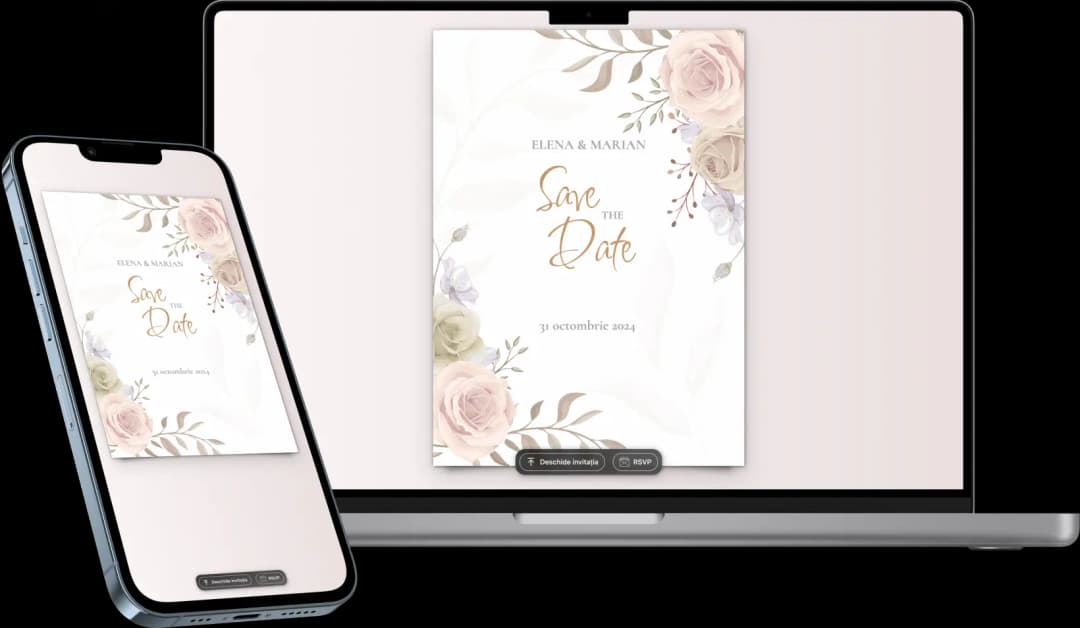
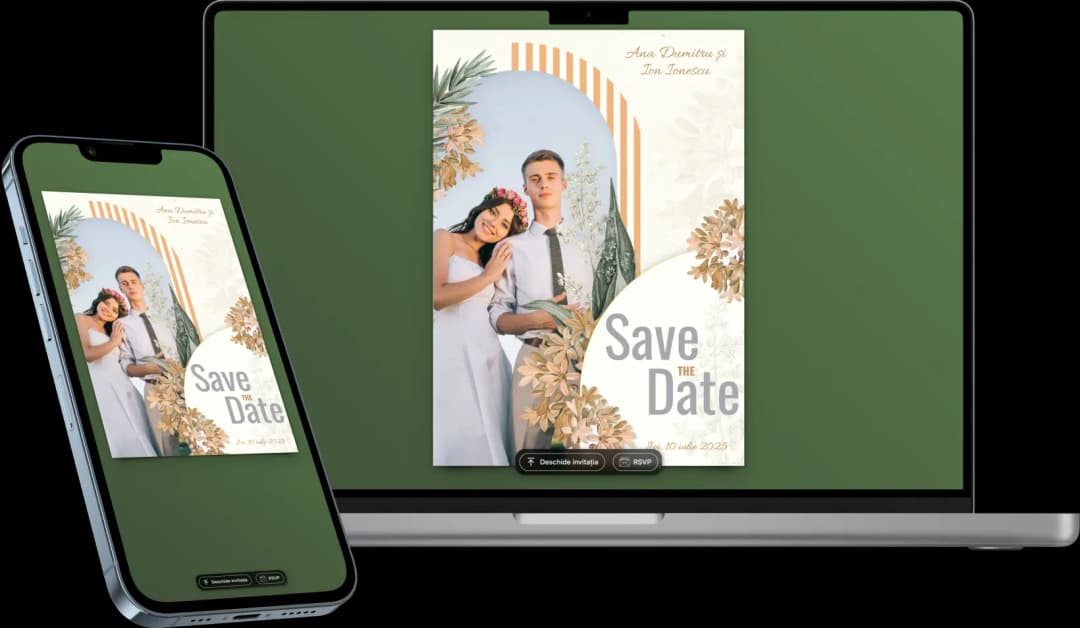
Classic
Classic wedding invitations from Pinvite combine traditional refinement and elegance. Perfect for a sophisticated event, these invitations can be easily customized and digitally distributed.
- Elegant and traditional design
- Simple and quick customization
- Integrated RSVP for efficient organization
Website
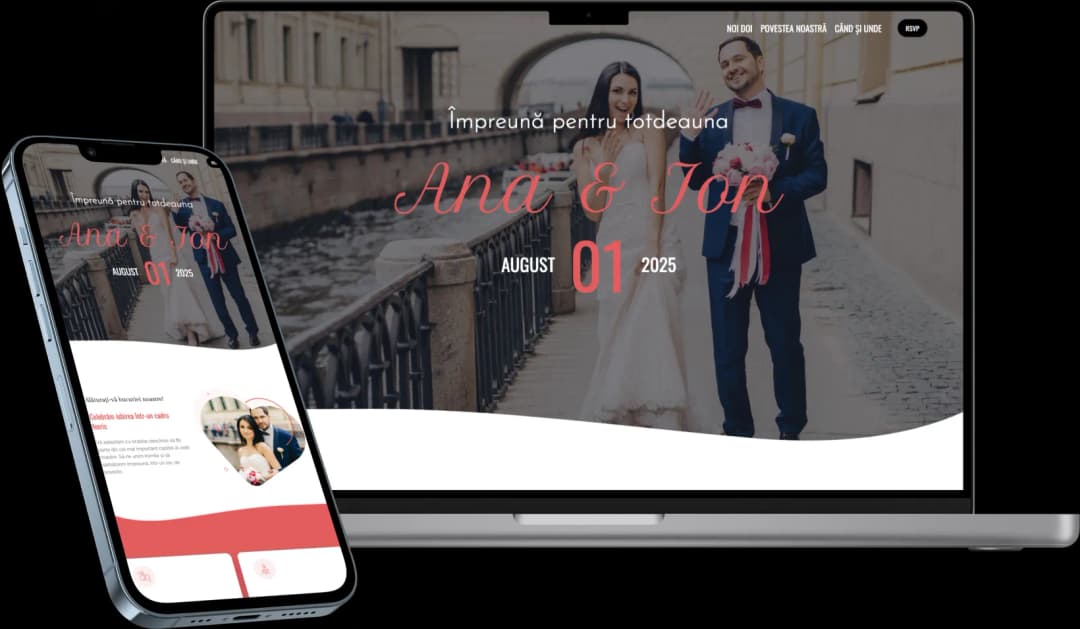
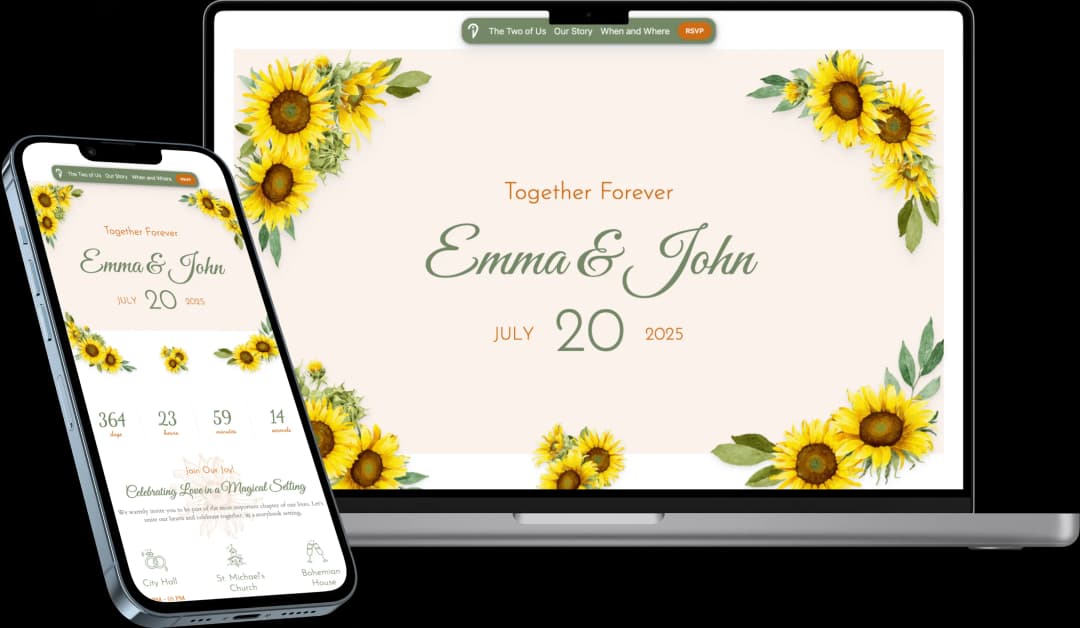
Website wedding invitations offer a complete and interactive digital experience. Invite your guests to discover the details of your wedding through a personalized platform, where they can confirm participation and find all essential information.
- Custom and interactive design
- Real-time RSVP
- Live updates and easy management
How Does Pinvite Work for Wedding Invitations?
Step 1: Choose an Online Wedding Invitation Template
The first step is to select a wedding digital invitation template from the variety of options offered by Pinvite. Whether you prefer a classic or modern style, you will find something that reflects your unique style.
Step 2: Customize the Wedding Invitation
Customize the online wedding invitation with essential details, such as the date, location, and a personal message for your guests. Add design elements to make the invitation reflect the theme of your event.
Step 3: Save the Digital Invitation
Once you have finished customizing, save the wedding digital invitation. You can preview the final result before distributing it to ensure all details are correct.
Step 4: Create an Invitation for Distribution
Pinvite offers two types of invitations for distribution:
- Global Invitation: This can be distributed to all guests through a unique personalized link.
- Nominal Invitation: Create personalized invitations for each guest, with their names displayed on the invitation.
Step 5: Send the Online Invitations
Distribute the invitations either by email or through social media, using the quick and efficient distribution function.
Step 6: Wait for Participation Confirmations (RSVP)
With the online RSVP function, your guests can confirm their attendance at the wedding in real time, and you will receive constant notifications and updates.
Step 7: Manage the Wedding Event
After guest participation is confirmed, Pinvite provides you with the necessary tools for efficient event management:
- Plan guest seating arrangements and set up places according to confirmations
- Organize transportation and guest accommodation
- Manage the wedding gift list