



For your little one's big day

Online baptism invitations with automatic RSVPs

Create online baptism invitations for free and send them on WhatsApp, by email or with a QR code. Guests RSVP straight from the link, say how many adults and children are coming and pick a menu, while you watch the list update in real time.

No card neededRSVP with adults and childrenEditable after sending
Online baptism invitation, Star Map design (Constellations · Navy)
Real designs

Online baptism invitation designs

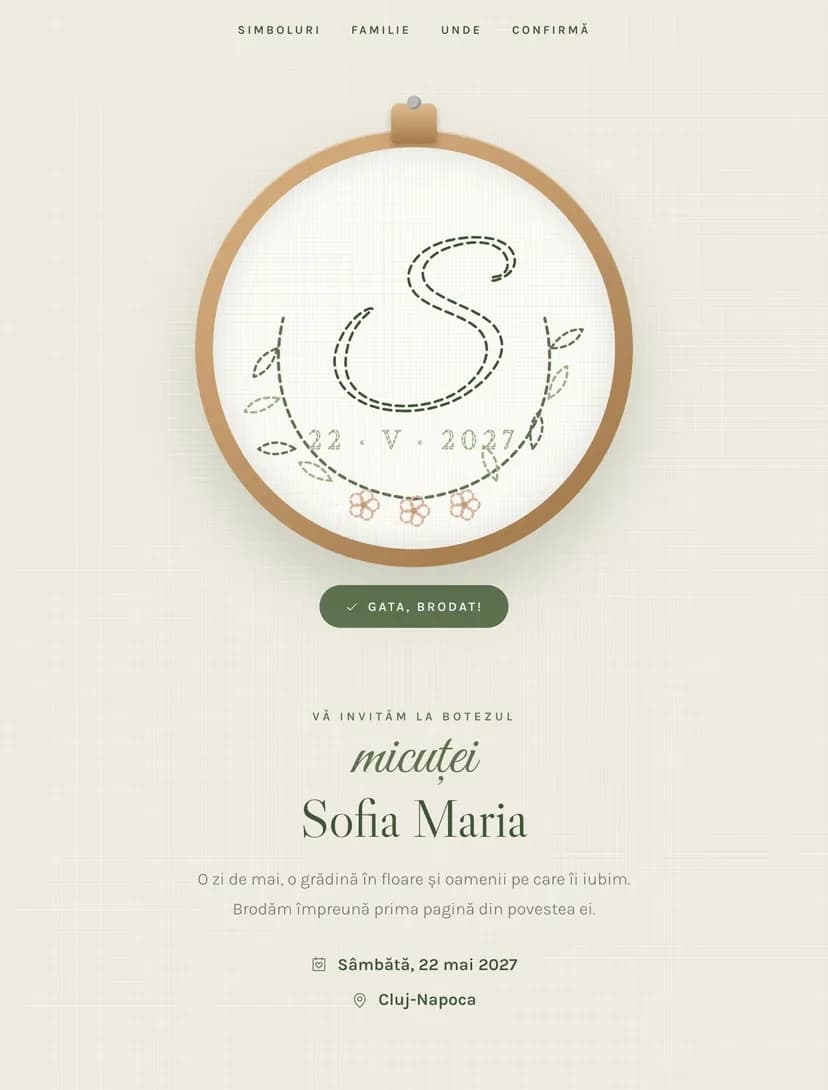
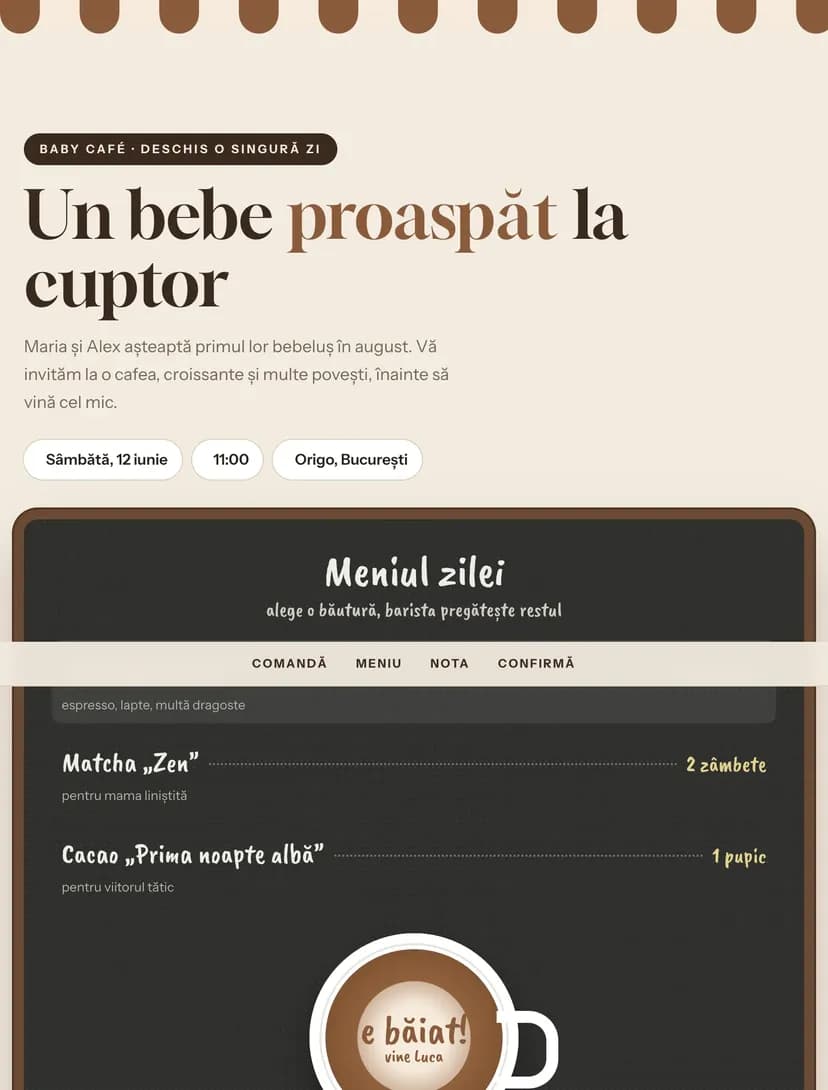
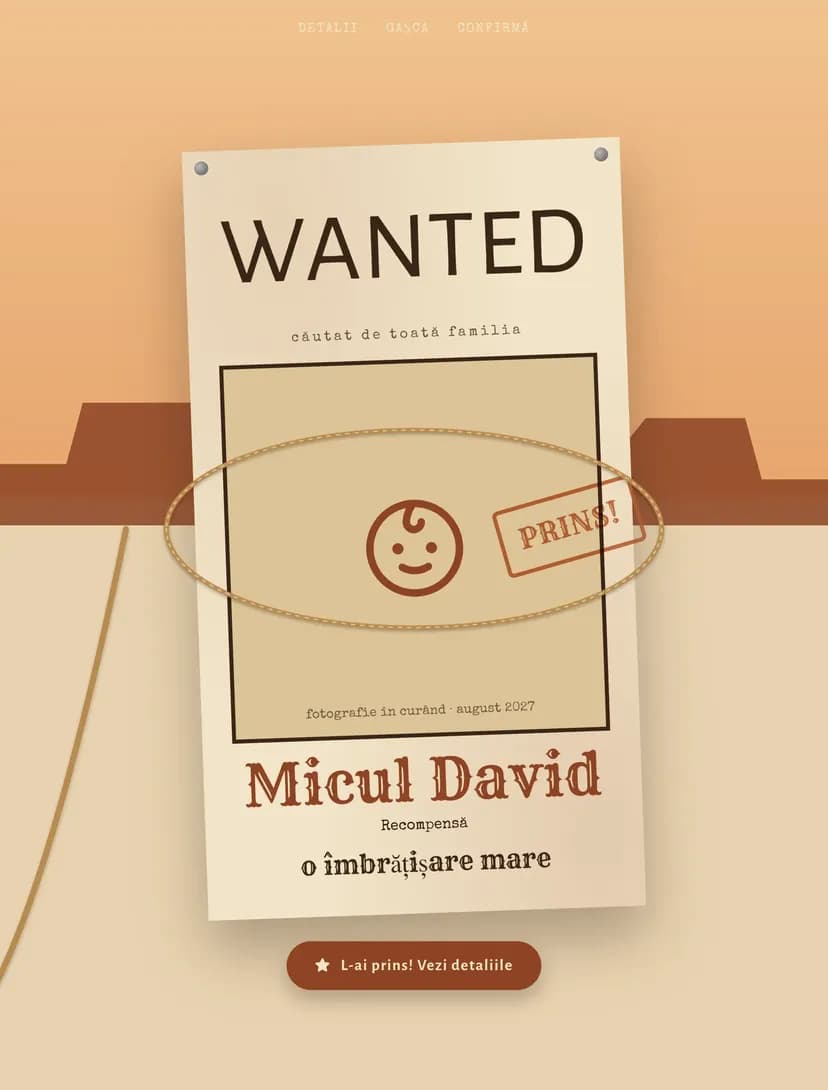
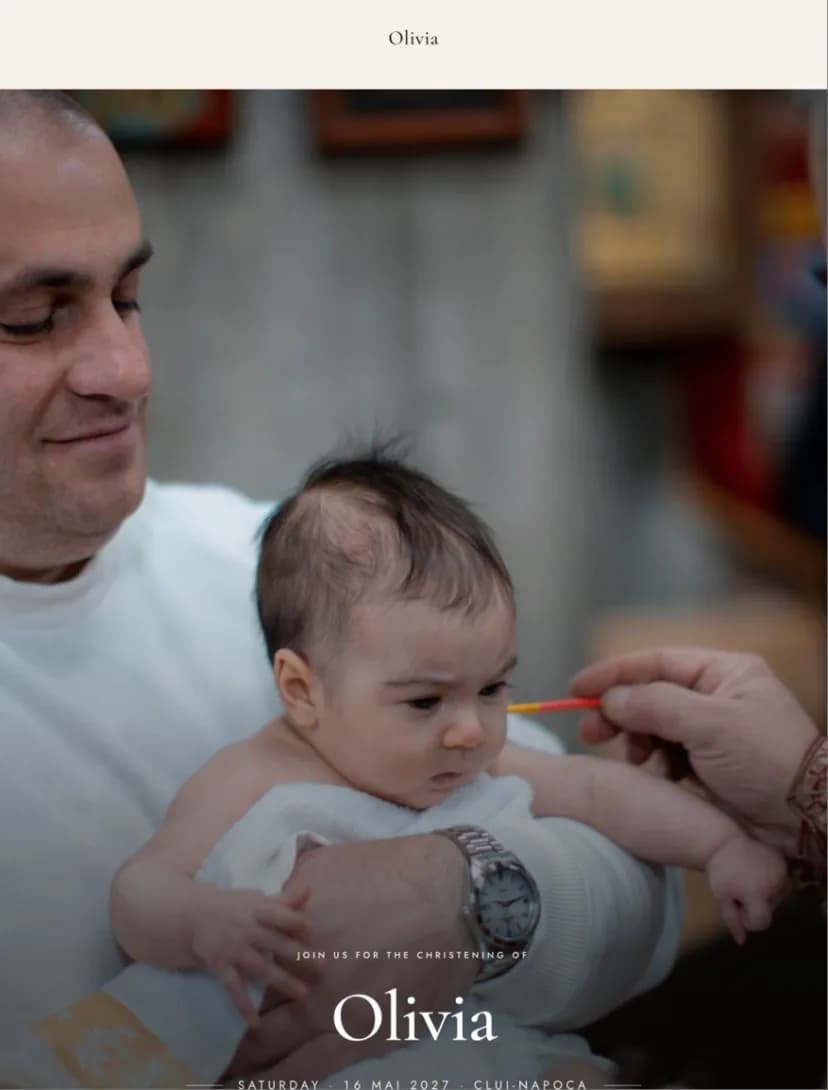
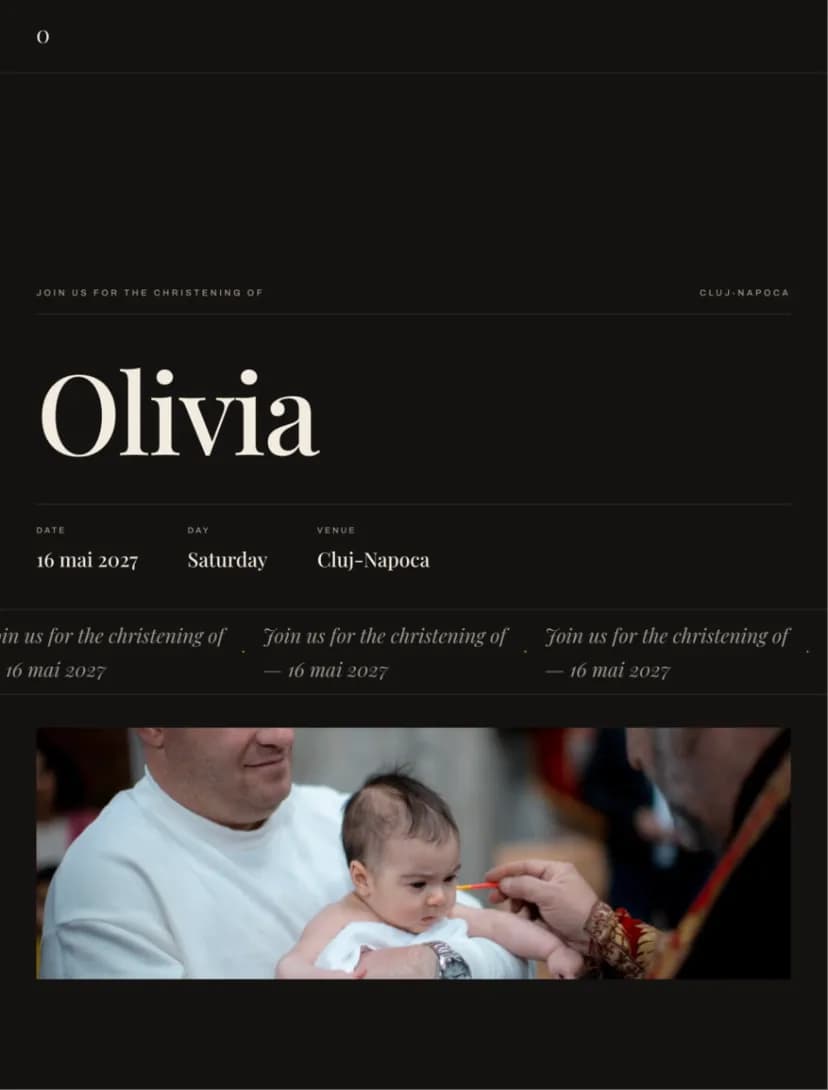
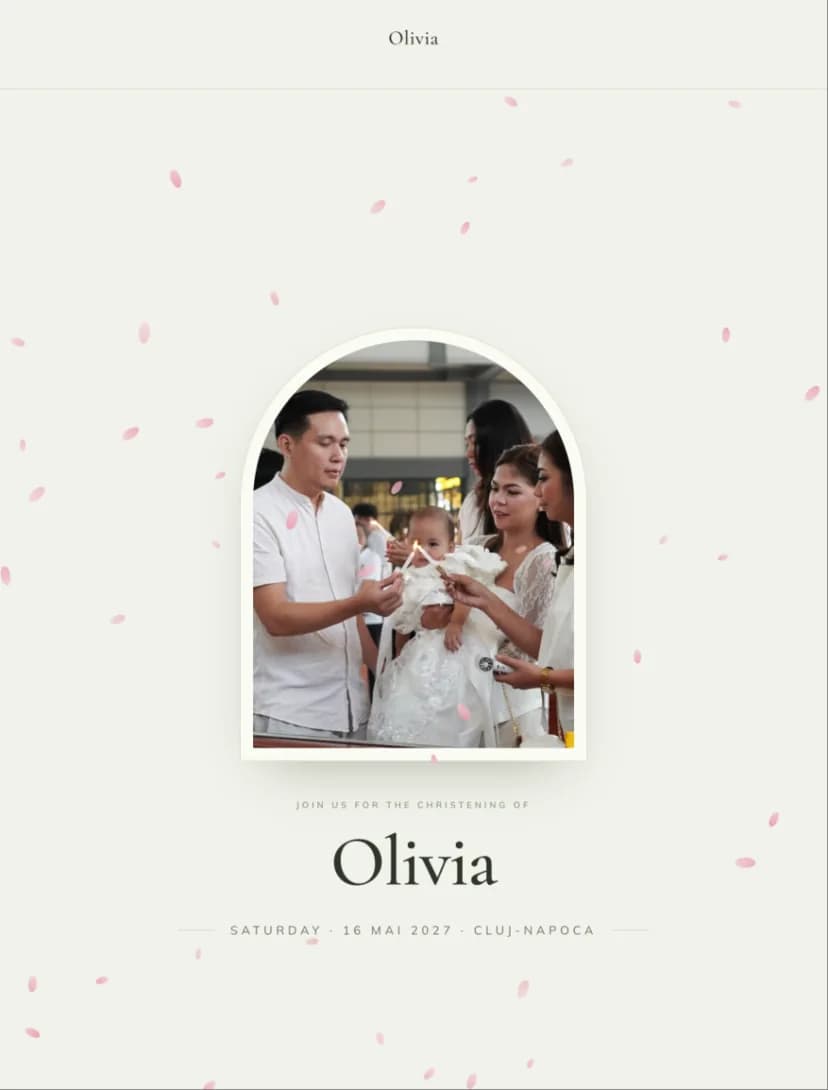
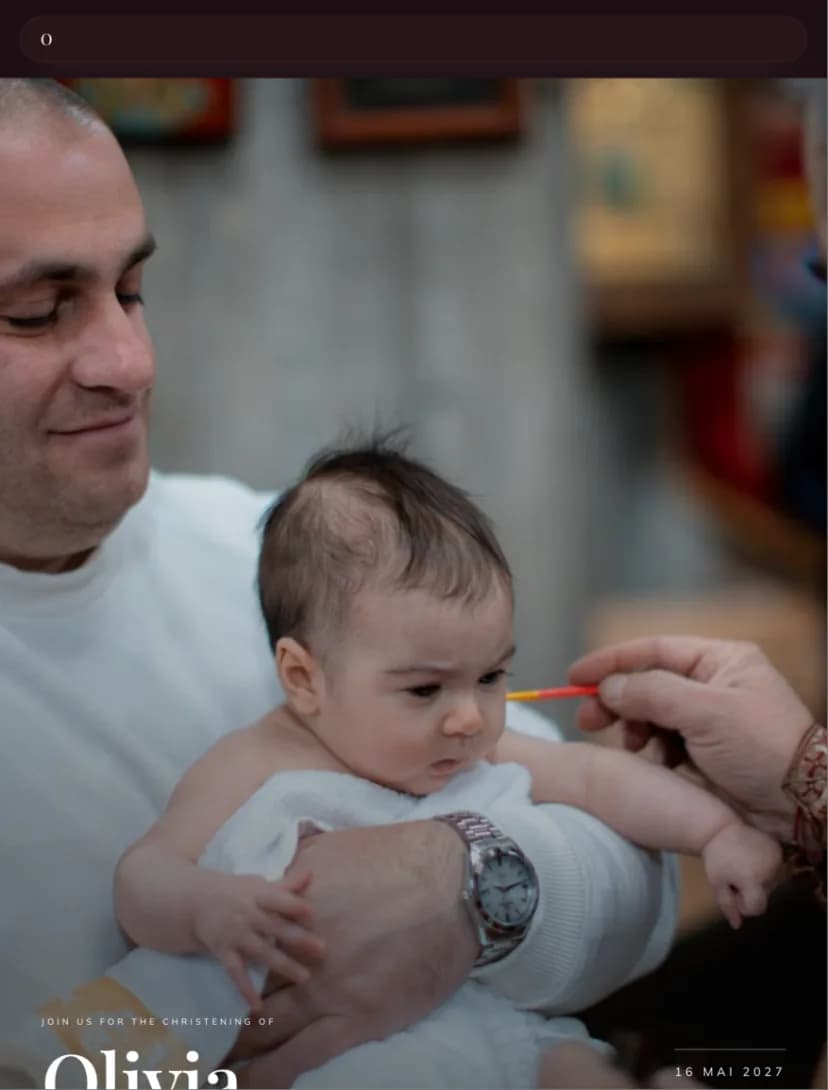
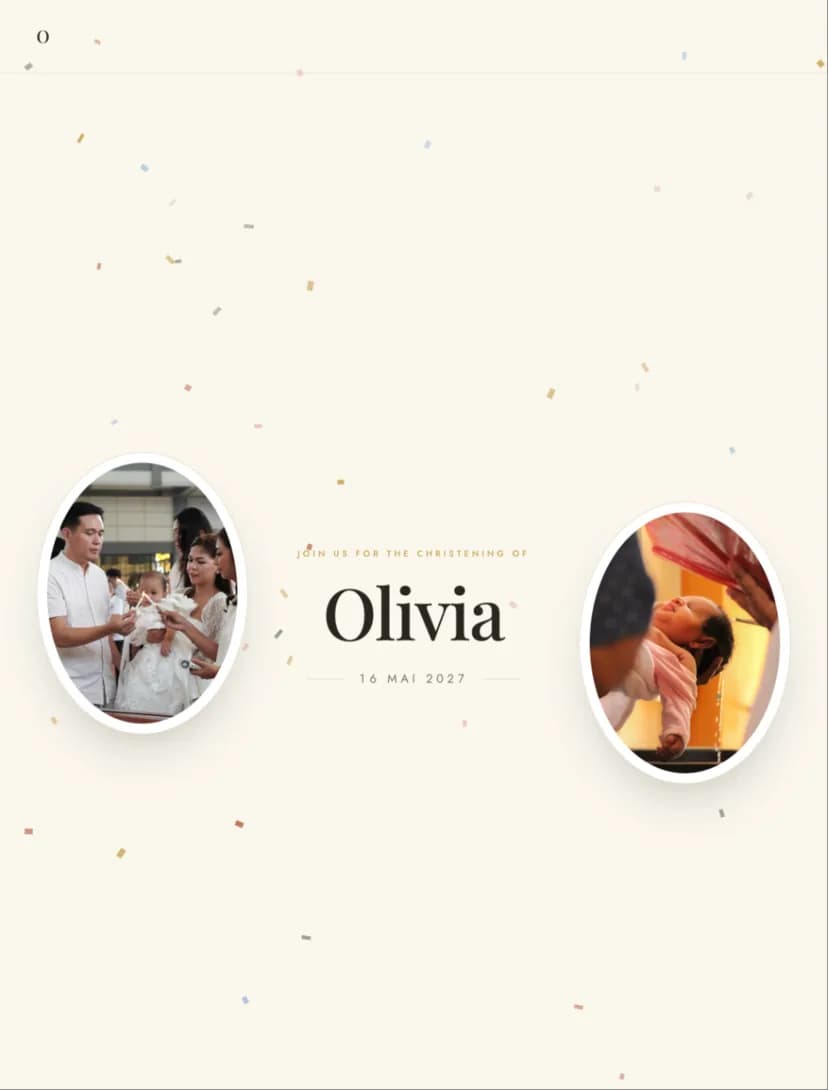
Each design below is a complete invitation with its own page. Open the demo exactly as your guests will see it, then personalize it with your child's name, the date, the church, the venue and your photos.

How it works

How to make an online baptism invitation in 4 steps

1

Pick a design

Start from one of the baptism designs and open it in the editor. You don't need an account to get started.

2

Fill in the details

Add your child's name, the parents and godparents, the date, the time of the service and both addresses: the church and the reception venue. Change the wording, colors and photos.

3

Send the link

Create an account, publish the invitation and share the link on WhatsApp, in the family group chat, by email or SMS. For anyone who prefers paper, print the invitation's QR code.

4

Follow the RSVPs

Every reply lands in your guest list: who is coming, how many adults and children, which menu they chose and any notes for you.

After you hit send

What your guests get

The link opens the invitation right in the browser, on any phone, with no app and no account for guests.

RSVP with child count and menu

Every person in an RSVP is marked as an adult or a child, so you know early how many kids' meals and high chairs to ask the venue for. You choose the menu or allergy questions.

What does RSVP mean?

Church and venue on the map

The baptism service and the reception each show their own time and address. One tap on the map and guests start navigating.

Countdown to the baptism

The invitation shows how many days are left, so the date doesn't get lost among the messages in the family group chat.

Godparents and parents on the invitation

Parents and godparents get their own section, each with their role and name. Guests see at a glance who is inviting them and who will hold the little one during the service.

Personal or shared invitation

Send the same link to everyone or create personal invitations with each family's name. You can mix both: personal ones for relatives, a shared link for friends and colleagues.

Comparison

Online vs printed baptism invitations

The differences that matter when you invite the whole family, from great-grandparents to cousins in other cities.

Comparison between online and printed baptism invitations
CriterionOnline invitationPrinted invitation
CostFree to start, then a one-time payment per eventRoughly $1–3 per card, plus envelopes and postage
TimeReady the same evening1–3 weeks for design, printing and handing out
RSVPsAutomatic, with adults, children and menu, in one listYou call everyone or wait for messages and note them by hand
ChangesChange the service time or venue any time, on the same linkA change means reprinting or calling everyone
MapMap and directions for the church and the venueJust the written address
InsightsSee invitation visits and who hasn't replied yetYou don't know who received the invitation
Eco-friendlyNo paper, ink or shippingPaper, envelopes and delivery for every invitation

Online and printed, together

You don't have to choose just one. Send the link to everyone and print a few invitations for the grandparents or the godparents as a keepsake. Add the online invitation's QR code to the printed ones so every RSVP ends up in the same list.

Pricing

How much do online baptism invitations cost?

One-time payment, no subscription. You pay once per event, and the invitation stays active with no expiry date.

  • Free

    RSVPs
    15
    Designs per event
    1

    Any design, for a small family baptism or to try everything before you pay.

  • Standard

    RSVPs
    75
    Designs per event
    2

    For most baptisms, without Pinvite branding on the invitation.

  • Premium

    RSVPs
    unlimited
    Designs per event
    5

    For big baptisms: unlimited RSVPs, QR code check-in, seating plans and collaborators.

Wording

Baptism invitation wording

Three complete texts, ready to copy. Replace the names, date and places, then paste the text into your invitation.

  • Classic wording

    With joy in our hearts, we invite you to join us for the baptism of our daughter, Sophie Grace. Her parents, Emma and James Carter, together with her godparents, Laura and Daniel Hughes, look forward to welcoming you on Sunday, May 16, 2027, at 12:00 PM, at St. Mary's Church. The celebration continues at 2:00 PM at The Garden House. Kindly reply by May 1.

  • Religious wording

    "Let the little children come to me, and do not hinder them, for the kingdom of God belongs to such as these." (Mark 10:14) With God's blessing, Emma and James Carter invite you to share in the Holy Sacrament of Baptism of their son, Matthew, on Sunday, May 16, 2027, at 12:00 PM, at St. Mary's Church. His godparents, Laura and Daniel Hughes, look forward to seeing you afterwards at the reception at The Garden House.

  • Short, for WhatsApp

    Sophie is getting baptized! Join us on Sunday, May 16, 2027, at 12:00 PM at St. Mary's Church, followed by lunch together. All the details and the RSVP are in the link: [invitation link]. Please let us know by May 1 how many adults and children are coming.

Quick guide

Quick guide to your online baptism invitation

What to write on a baptism invitation

A complete baptism invitation says who the child is, who is inviting, when and where the service takes place, where the celebration continues and the date to reply by. Write the child's name as it will be spoken in church, with the baptismal name.

An online invitation also has room for what doesn't fit on a card: a map of the church and the venue, the schedule of the day, a photo of the little one or a phone number for questions. Keep the main text short and move the details to the sections further down.

How far ahead to send the invitation

Baptism invitations usually go out 3–5 weeks before the day. If you have guests from other cities or abroad, share the date earlier so they can plan the trip.

Set the RSVP deadline 10–14 days before the baptism. The venue needs the final number of adults and children, and you need time to arrange the tables.

Godparents and parents: the order of names

Most often the child's name comes first, then the parents, who are the hosts, and the godparents last. Some families prefer to write the invitation as if it came from the child, with the parents and godparents listed underneath.

Write the godparents' names the way they introduce themselves, usually with both first names and a shared last name: "godparents Laura and Daniel Hughes". If there are several godparents, list them in the order agreed in the family.

Baptism and reception on the same day

In many families the baptism service is followed by a festive meal with family and friends. Put both moments on the invitation, each with its own time and address, so guests know whether they are coming to the church, the reception or both.

Leave a realistic gap between the service and the meal, usually an hour or two, for photos and travel. If some guests only come to the reception, state clearly what time you expect them at the venue.

FAQ

Questions about online baptism invitations

How much does an online baptism invitation cost?
You can create and send your invitation for free. Paid plans are a one-time payment per event, with no subscription, and differ by number of RSVPs: 15 on the Free plan, 75 on Standard and unlimited on Premium. You can find the price of each plan on the pricing page.
Can I create a baptism invitation for free?
Yes. Pick any design, personalize it fully and send it without a card. The Free plan includes the first 15 RSVPs, and you only move to a paid plan if you need more. Confirmed people are counted, including children and plus-ones.
How do I send the baptism invitation on WhatsApp?
After you publish the invitation, copy the link and paste it into a message or straight into the family group on WhatsApp. You can also use the share buttons in your dashboard. The link opens in the browser, with no app.
Can I find out how many children are coming?
Yes. When guests RSVP, they mark each person as an adult or a child, and you see the list in your dashboard. That way you give the venue the right number of kids' meals and high chairs.
Can I add the godparents and parents to the invitation?
Yes. The invitation has a section for godparents and parents where you add each person's role and name. You can write the main text from the parents or from the child.
Can I edit the invitation after sending it?
Yes, any time. Change the service time, the venue or the text, and guests see the new version on the same link. You don't need to resend anything.
How do grandparents who don't use the internet RSVP?
You can call them or give them a printed invitation with the online invitation's QR code. Add the reply you get by phone to the RSVP list manually, so everyone is counted in one place.
Can I combine the online invitation with printed ones?
Yes. Send the link to everyone and print a few invitations for the grandparents or godparents. Add the online invitation's QR code to them so every RSVP ends up in the same list.
Is there a guest limit?
Any number of people can open the link. The limit only applies to RSVPs: 15 on the Free plan, 75 on Standard and unlimited on Premium. Confirmed people are counted, including children and plus-ones.
How long does the invitation stay active?
The invitation stays active with no expiry date, including after the baptism. You can update it after the event too, for example with a thank-you message for your guests.
Free to start

Your little one's big day starts with an invitation.

Pick a design, fill in the details and send the link the same evening. The RSVPs come in on their own.