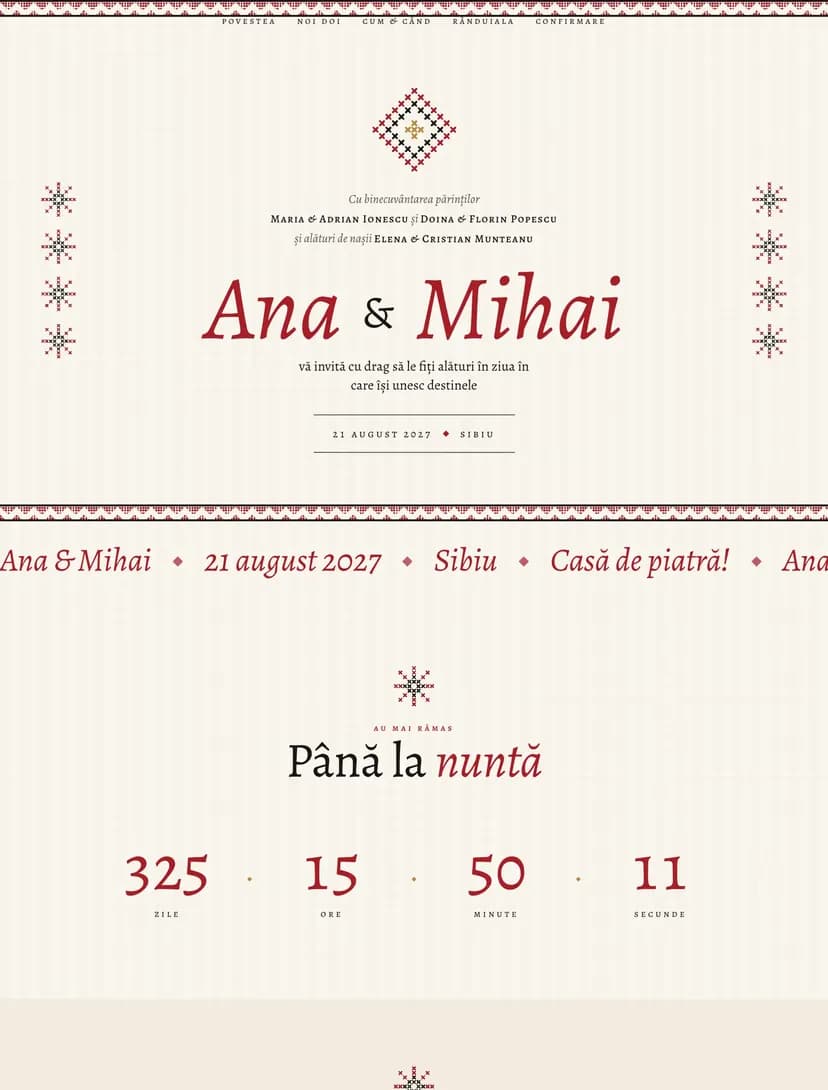
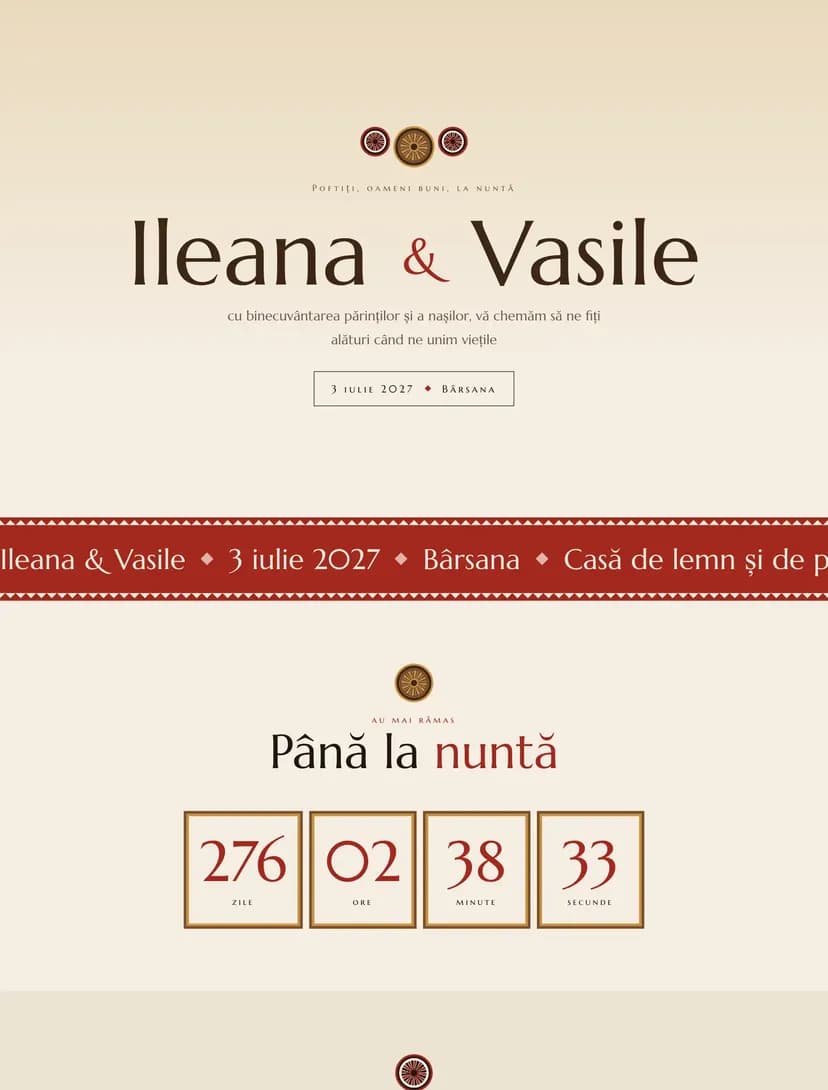
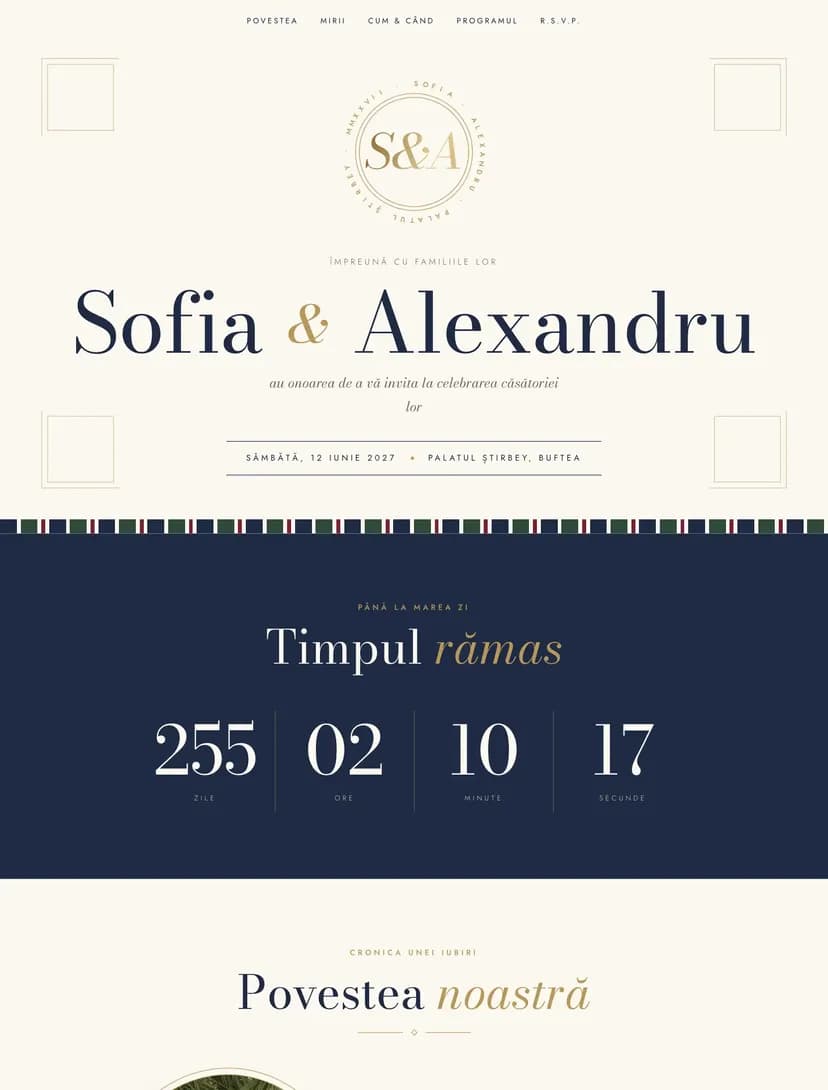
Create free online wedding invitations and share them on WhatsApp, by email or with a QR code. Guests RSVP right from the link, choose their meal and note allergies, and you see the list update in real time.
No card neededRSVP with menu and allergiesEditable after you send it
Real designs
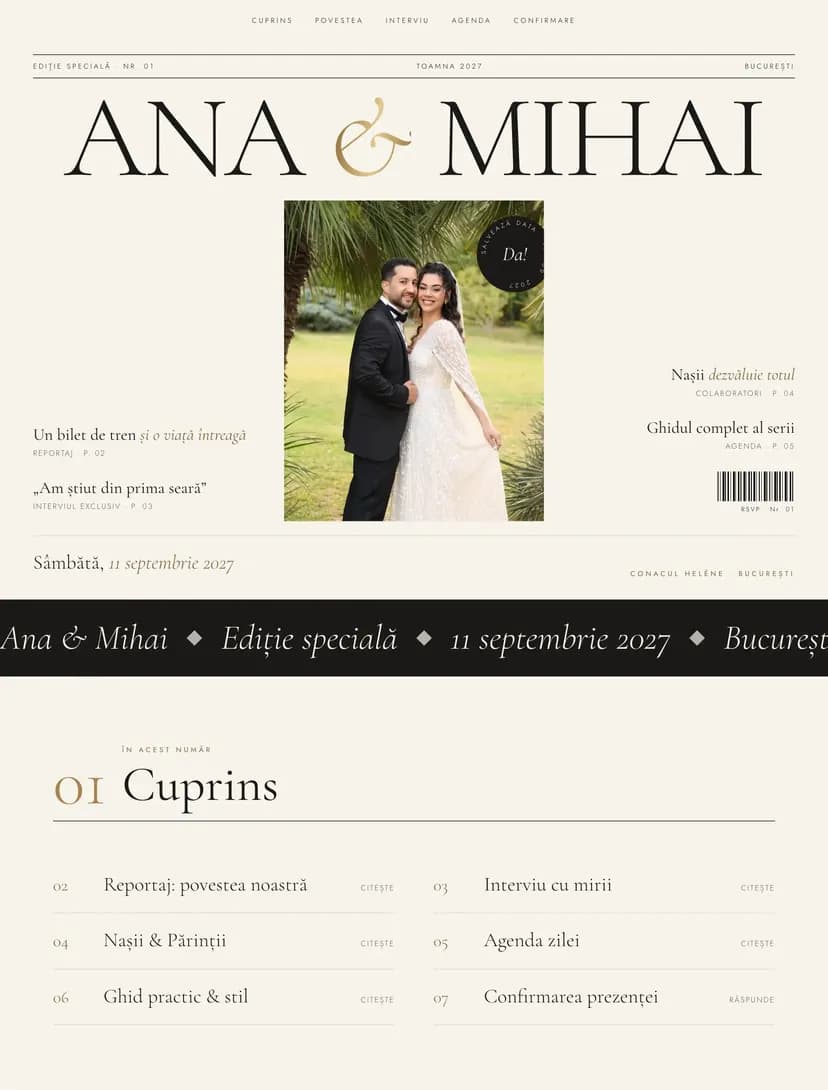
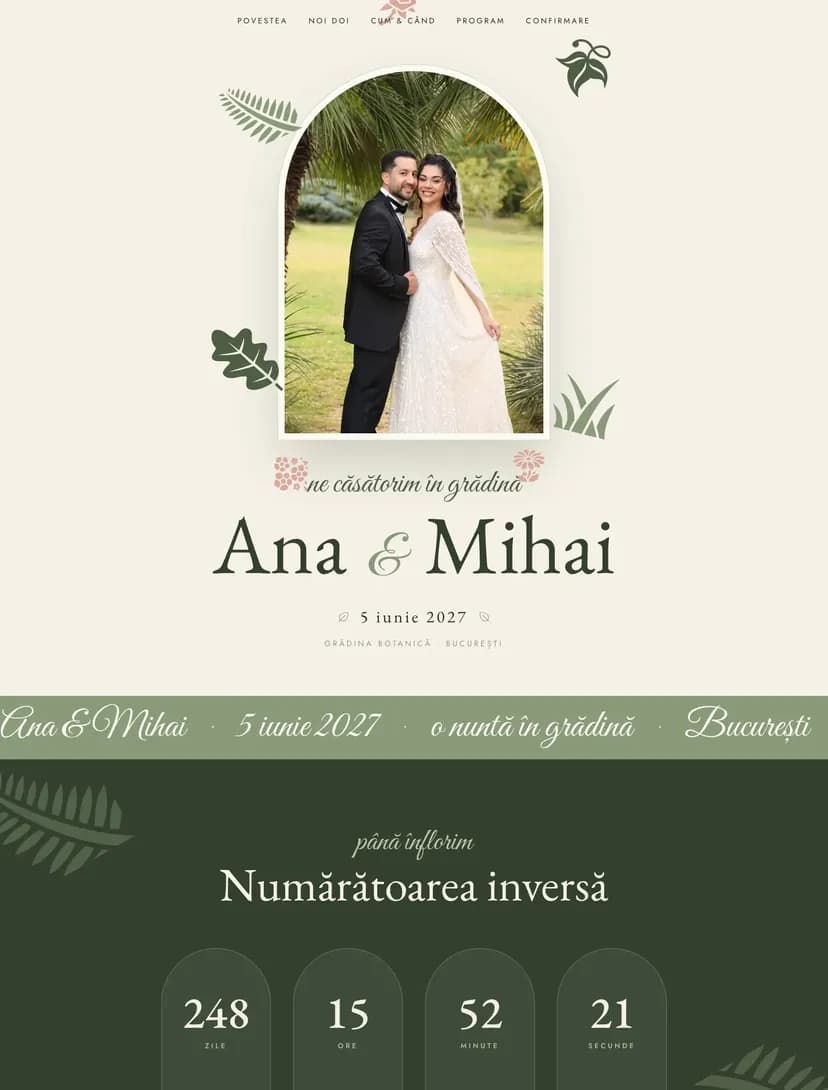
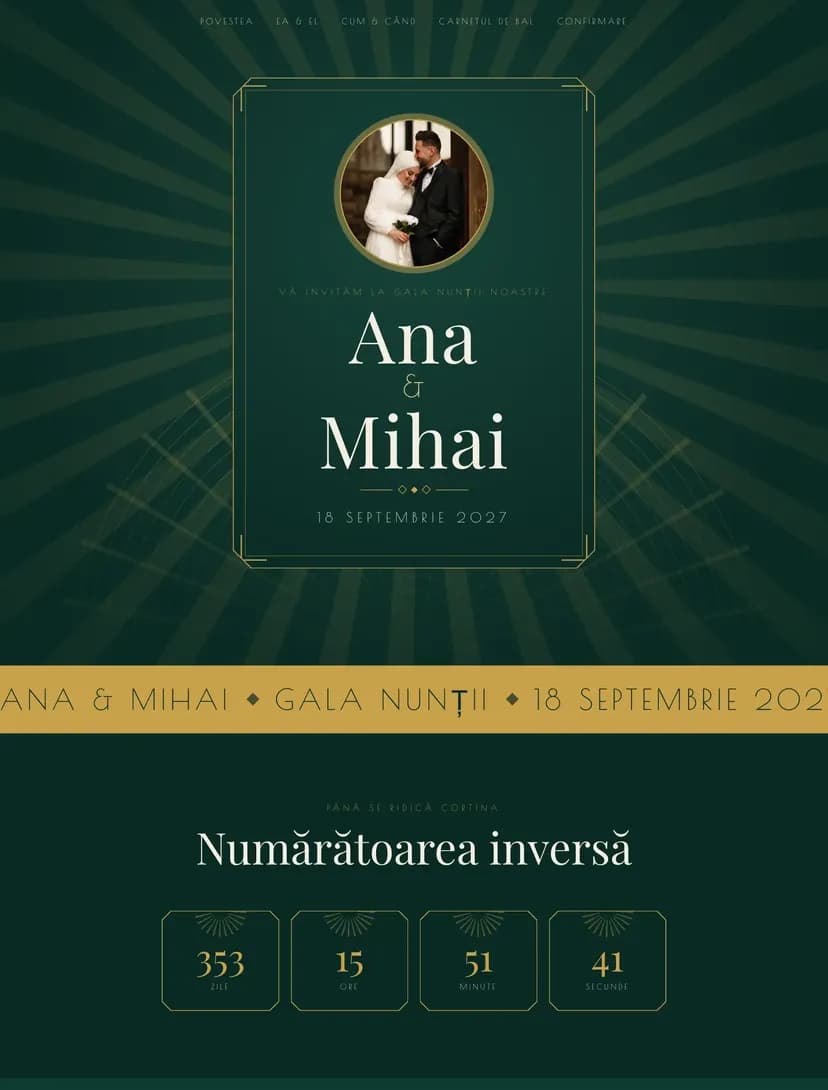
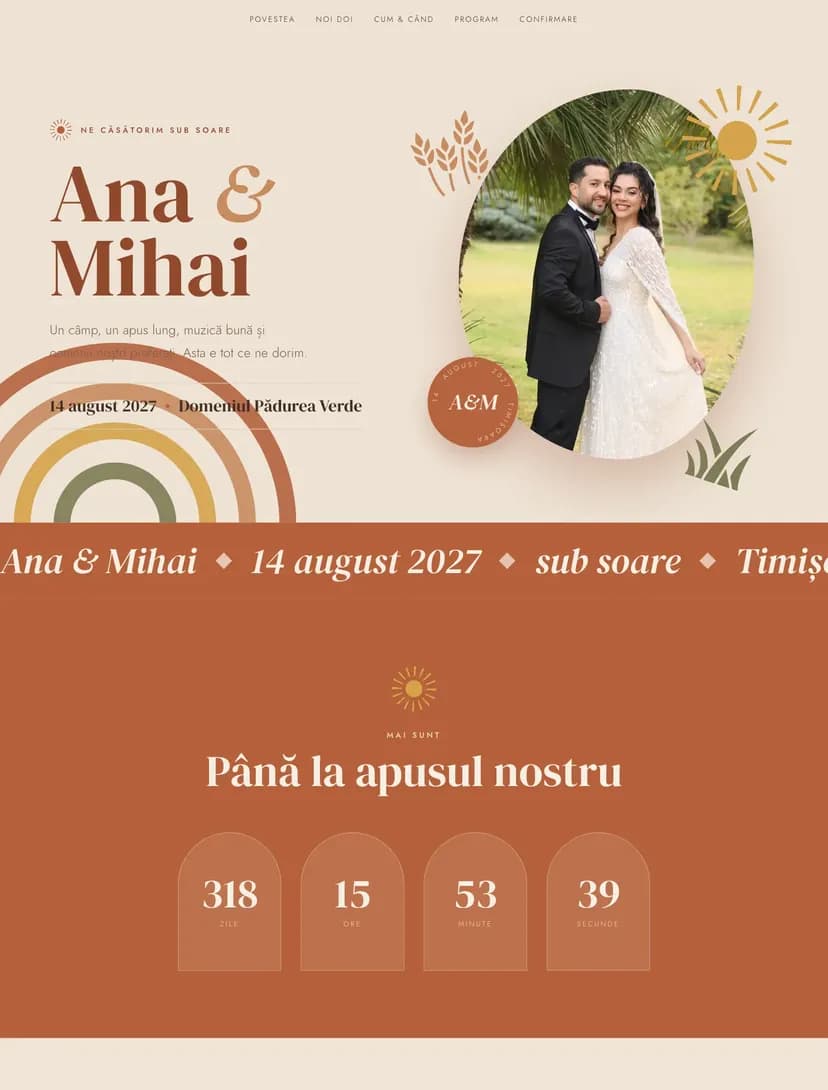
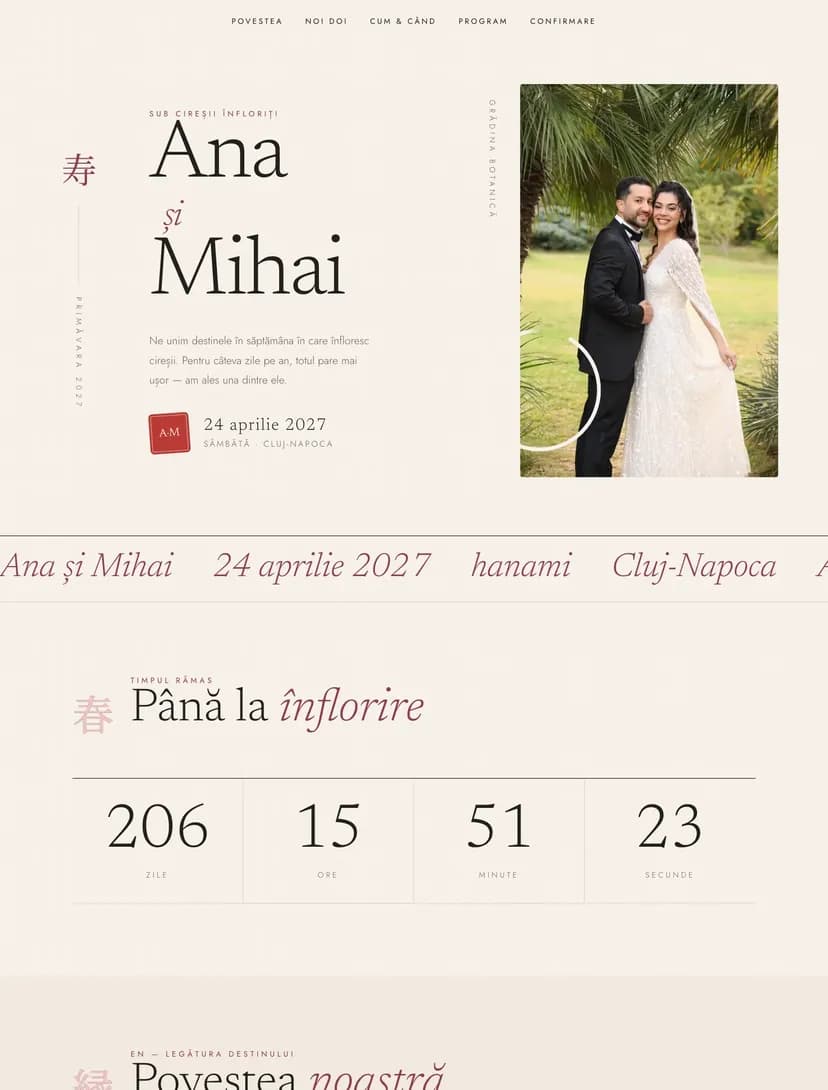
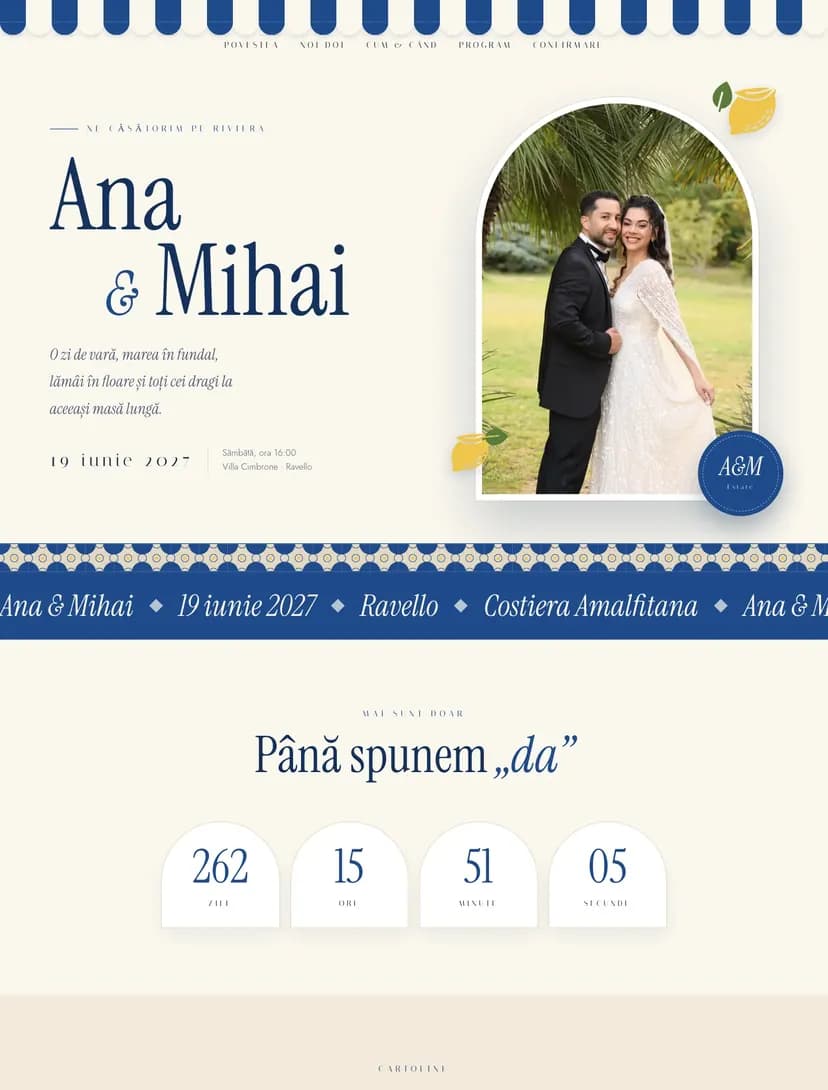
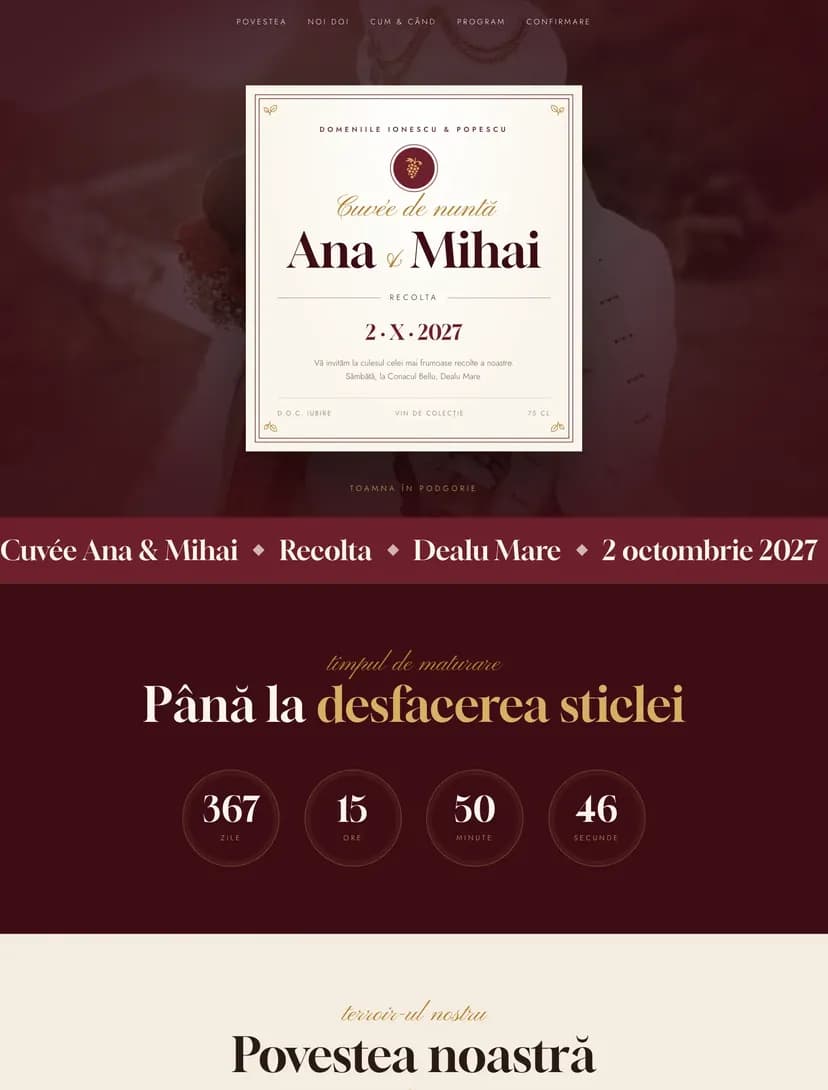
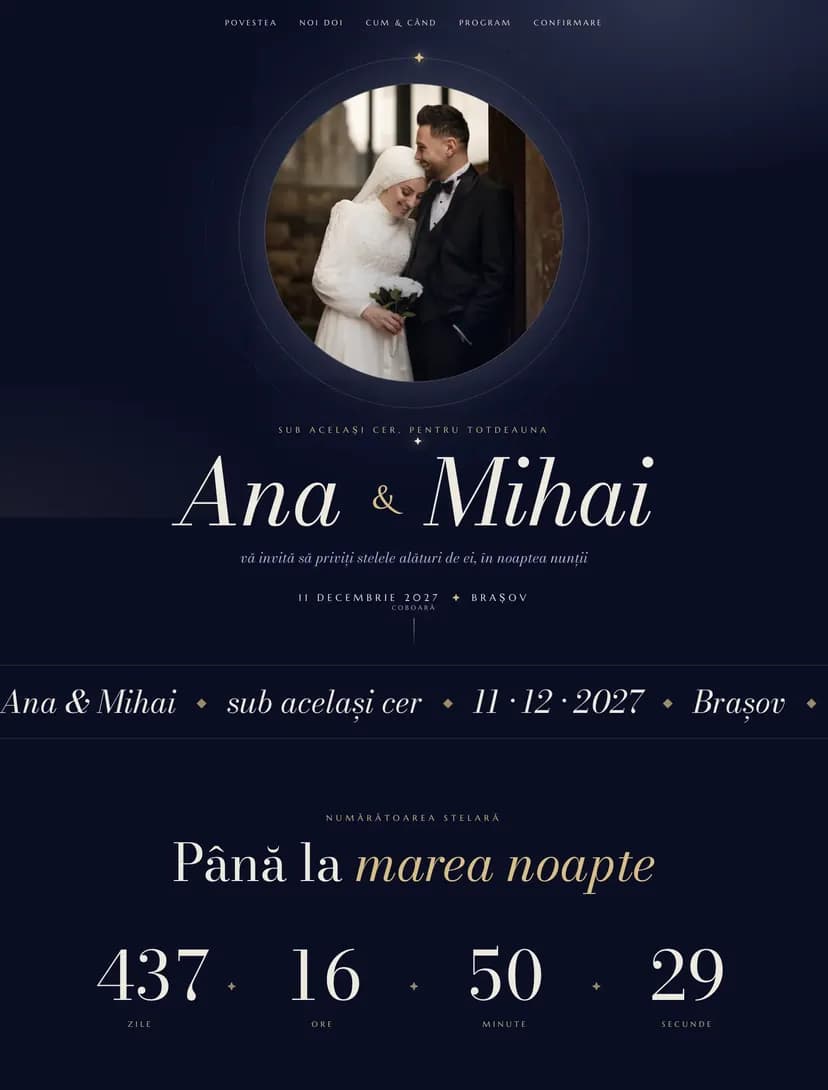
Online wedding invitation designs
Every design below is a complete wedding website. Open the demo to see exactly what your guests will see, then make it yours with your names, date, venues and photos.
How to make your online wedding invitation in 4 steps
1
Pick a design
Start from one of the wedding designs and open it in the editor. You don't need an account to get started.
2
Add your details
Write your names, your parents' names, the date, the schedule for the day and the venues: civil ceremony, church or ceremony site, and reception. Change the wording, colors and photos.
3
Send the link
Create an account, publish the invitation and share the link on WhatsApp, by email or by text. For guests who prefer paper, print the invitation's QR code.
4
Track the RSVPs
Every reply lands in your guest list: who is coming, with how many people, which meal they chose and any allergies.
After you hit send
What guests get once you send the link
The link opens the invitation right in the browser, on any phone, with no app and no account needed for guests.
RSVP with menu and allergies
Guests confirm they're coming, say how many people are with them, pick from the menus you set (for example classic, vegetarian or vegan) and note any allergies. You get a list ready to send to the caterer.
The civil ceremony, the church and the reception each show their own time and address. One tap on the map and guests get directions to the venue.
Countdown to the wedding
The invitation shows how many days are left, so the date doesn't get buried in messages from the day guests receive the link.
Personal or general invitations
Send the same link to everyone, or create personal invitations with each family's name on them. You can mix both: personal ones for relatives, a general link for friends.
Your wedding website
The designs are complete websites: your story, the schedule for the day, photos and useful details all live at the same address as the invitation.
The differences that matter when you have a hundred guests or more to invite.
Comparison between online and printed wedding invitations
Criteria
Online invitation
Printed invitation
Cost
Free to start, then a one-time payment per event
Roughly $200–600 for 100 guests, with envelopes and postage
Time
Ready the same evening
2–3 weeks for printing and delivery
RSVPs
Automatic, with menu and allergies, in one list
You call everyone or wait for replies and note them by hand
Changes
Update the time or venue anytime, on the same link
A mistake means reprinting
Map
Map and directions for every venue
Just the written address
Stats
See invitation views and who hasn't replied yet
You can't tell who received the invitation
Eco-friendly
No paper, ink or shipping
Paper, envelopes and delivery for every invitation
Online and printed, together
You don't have to pick just one. Send the link to everyone and print a few invitations for grandparents and close family. Put the online invitation's QR code on the printed ones so every RSVP lands in the same list.
Pricing
How much do online wedding invitations cost?
One-time payment, no subscription. You pay once per event, and the invitation stays active with no expiry date.
Free
$0one payment per event
RSVPs
15
Designs per event
1
Any design, for small weddings or to try everything before you pay.
Standard
$15one payment per event
RSVPs
75
Designs per event
2
For most weddings, without Pinvite branding on the invitation.
Premium
$30one payment per event
RSVPs
unlimited
Designs per event
5
For big weddings: unlimited RSVPs, QR code check-in, seating plans and collaborators.
Amounts are shown in USD, the currency of this page. The final price for your country is on the pricing page.
Three complete texts, ready to copy. Swap in your names, date and venues, then paste the text into your invitation.
Classic wording
With joy in our hearts, we invite you to share the day we begin our life together. Emily and Michael, together with their parents Susan and Robert Carter and Linda and James Miller, request the pleasure of your company on Saturday, September 12, 2026, at 6:00 PM, at The Lakehouse in Boston. Kindly reply by August 15.
Religious wording
"Love is patient, love is kind." (1 Corinthians 13:4) With God's blessing and the blessing of our parents, Emily and Michael invite you to celebrate their marriage on Saturday, September 12, 2026, at 4:00 PM, at St. Mary's Church. The reception follows at 7:00 PM at The Lakehouse. We would be delighted to have you with us.
Short, for WhatsApp
We're getting married! Emily and Michael invite you to their wedding on Saturday, September 12, 2026, in Boston. All the details and the RSVP are in the link: [invitation link]. Please reply by August 15.
A complete invitation answers five questions: who is getting married, who is hosting, when, where, and by when guests should reply. In practice, that means the couple's names, the names of the parents hosting, the date, the time and address of each venue, plus the RSVP deadline.
An online invitation has room for what paper can't hold: a map for each venue, the schedule for the day, the dress code, lodging information or a phone number for questions. Keep the main text short and move the details into the sections further down the invitation.
When to send your invitation
If you have guests from other cities or abroad, a save the date sent 6–8 months ahead helps them plan time off and travel. The invitation itself usually goes out 6–8 weeks before the wedding.
Set the RSVP deadline 3–4 weeks before the event, so you have time to give the caterer a final headcount and plan the seating. With an online invitation, you send the save the date first and then fill in the same link with all the details.
How grandparents and guests who don't use the internet can reply
Not every guest opens links on their phone. For grandparents, send the link to a grandchild or print a few invitations with the online invitation's QR code. When a reply comes in by phone, add it to the guest list yourself.
That way the list stays complete and in one place, and the headcount and chosen menus add up correctly, whichever way the reply arrived.
Guests from abroad
The link works the same in any country, on any phone, with no app. Send it on WhatsApp, Messenger or email, and guests reply from the same place as everyone else.
If some guests don't speak English, write the text in two languages or make a separate version of the invitation: paid plans include multiple designs per event. Add practical details too, such as the nearest airport, recommended lodging and the route from the hotel to the venue.
FAQ
Questions about online wedding invitations
How much does an online wedding invitation cost?
You can create and send your invitation for free. Paid plans are a one-time payment per event, with no subscription, and differ by number of RSVPs: 15 on the Free plan, 75 on Standard and unlimited on Premium. You can find the price of each plan on the pricing page.
Can I create my wedding invitation for free?
Yes. Pick any design, personalize it fully and send it with no card needed. The Free plan includes your first 15 RSVPs, and you only move to a paid plan if you need more. We count confirmed people, including plus-ones.
How do I send the invitation on WhatsApp?
After you publish the invitation, copy the link and paste it into a message or a WhatsApp group. You can also use the share buttons in your dashboard. The link opens right in the browser, with no app needed.
How do guests RSVP, and how do I see who's coming?
Guests tap the RSVP button on the invitation and fill in their name, the number of people and their answers to your questions, such as menu choice or allergies. You see everything in the RSVP list in your dashboard, updated in real time.
Can I edit the invitation after I've sent it?
Yes, anytime. Change the time, venue or wording, and guests see the new version on the same link. You don't need to resend anything.
How do grandparents who don't use the internet reply?
You can call them, or give them a printed invitation with the online invitation's QR code. Add the reply you get by phone to the RSVP list yourself, so everyone is counted in the same place.
Can I combine the online invitation with printed ones?
Yes. Send the link to everyone and print a few invitations for family and close friends. Put the online invitation's QR code on them, so all RSVPs end up in the same list.
Does it work for guests from abroad?
Yes. The link opens in any country, on any phone or computer, with no app. Guests from far away reply just like everyone else, and their answers land in the same list.
Is there a limit on guests?
Any number of people can open the link. The limit only applies to RSVPs: 15 on the Free plan, 75 on Standard and unlimited on Premium. We count confirmed people, including plus-ones.
How long does the invitation stay active?
The invitation stays active with no expiry date, including after the wedding. You can update it after the event too, for example with a thank-you message for your guests.
Free to start
Your wedding deserves a beautiful start.
Pick a design, add your details and send the link the same evening. The RSVPs come in on their own.