
Sweet 16 invitation with a disco ball
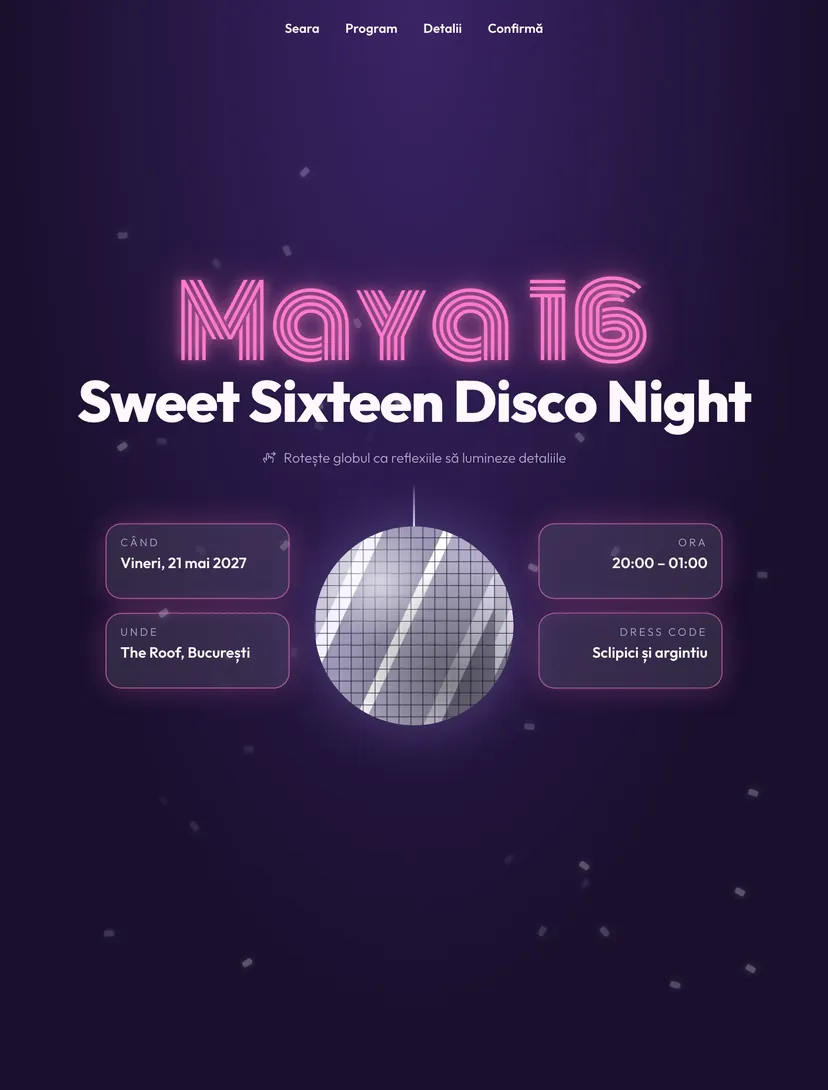
A disco ball hangs in the middle of the invitation. The harder you spin it, the more the reflections light up the details around it: the date, the time, the place and the dress code. Below you find the program of the evening and a separate section for parents.
Why guests will pass the link on
Every Pinvite design has a surprise interaction built around its theme. In Sweet 16 Disco: the disco ball whose reflections light up the details.
The disco ball
It spins with a finger or the mouse, and the reflections move across the background depending on the speed.
Details lit in turn
The date, time, place and dress code light up in turn as the ball spins.
A program for teenagers
Welcome, pizza, cake and disco, with clear times.
A section for parents
The end time, the fact that no alcohol is served and a contact number.
Colors and fonts of the Sweet 16 Disco design
A recommended starting point from our designers. Keep them or change them in the editor.
#1A0F2E#FFF7FB#FF7AC8#B69CFFThe Sweet 16 Disco invitation: for which celebration
At sixteen, the invitation is the first thing friends forward in group chats. The Sweet 16 Disco design has a single element of impact, the disco ball, and uses it to present the information, not just as decoration.
Because the guests are minors, the invitation has a separate section for parents, with the end time, the rules of the evening and a contact number. In the form you can add questions about allergies and favorite songs.
What the invitation contains
The sections of this design, ready to use. Hide the ones you do not need.
From design to the link you send
Start from the Pinvite editor
Open the editor, no card needed, and pick the Sweet 16 Disco design for your invitation.
Make it yours
The name, age, date, venue, photo and texts. See how it looks on the phone in real time.
Send the link
On WhatsApp, Instagram or by email. Confirmations appear in your list as they come.
About the Sweet 16 Disco design
If nobody spins the ball, are the details still visible?
Can I add a photo?
How do guests confirm?
How much does it cost?
Can I change the texts, colors and photo?
More birthday designs
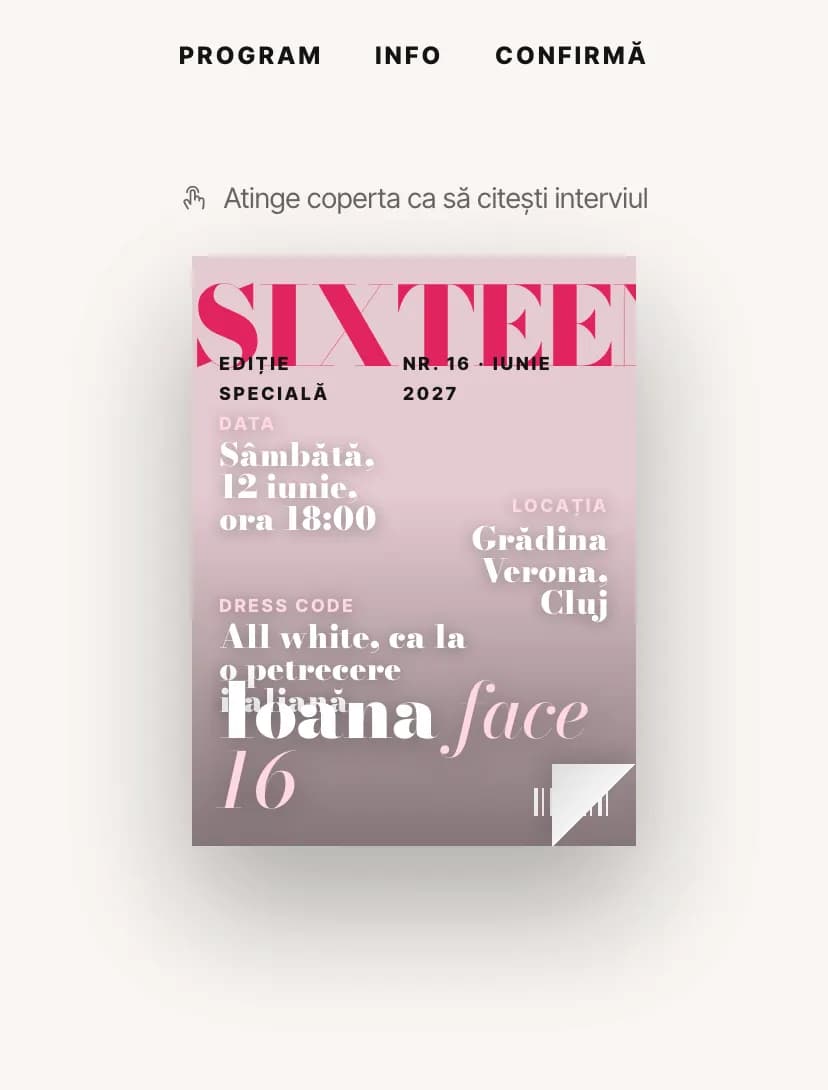
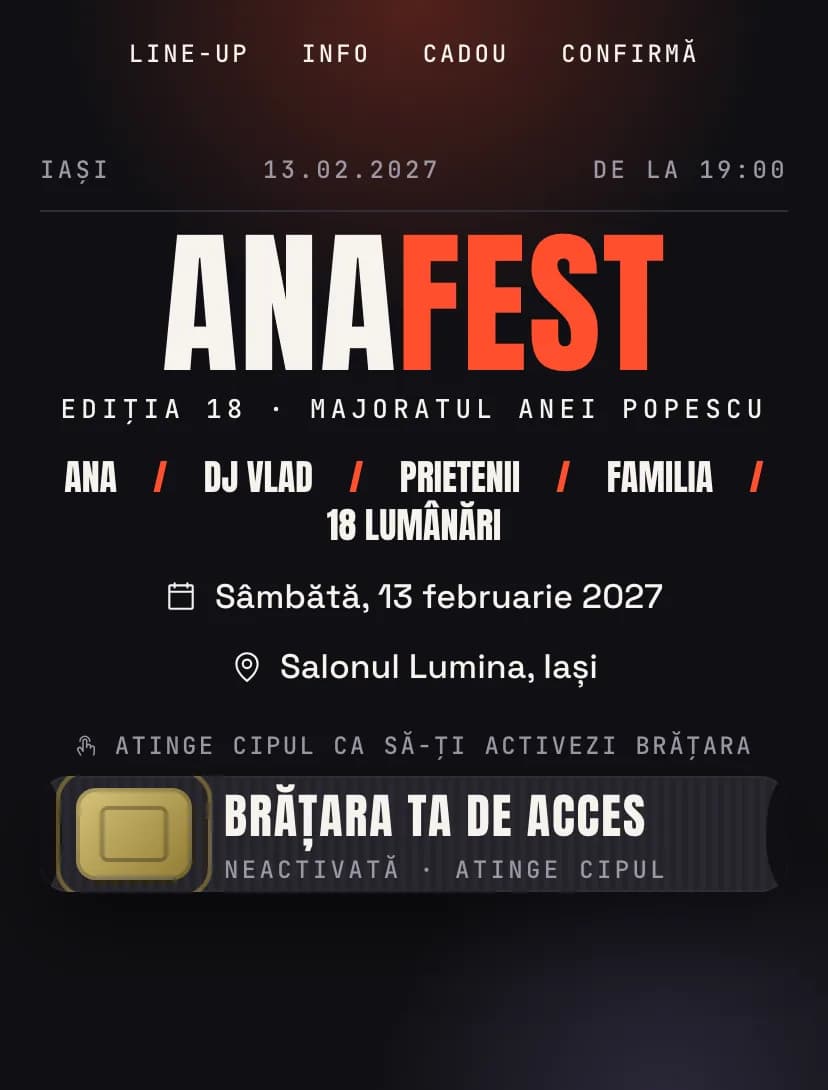
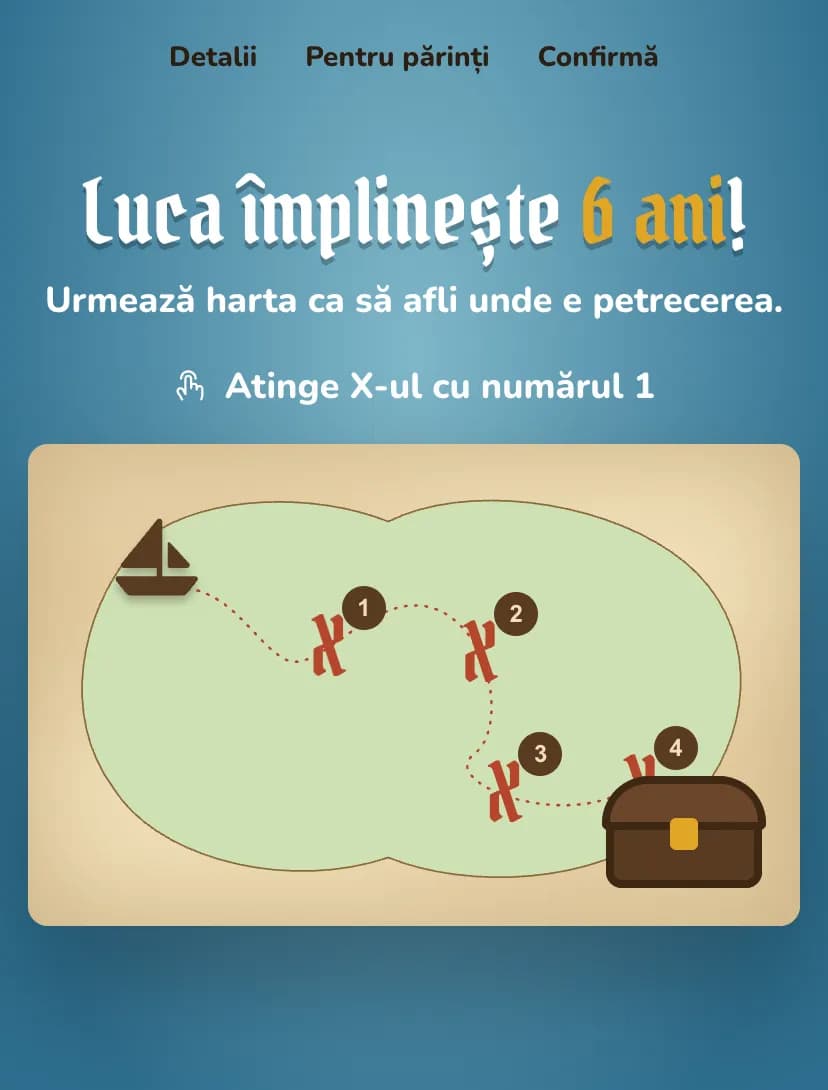
The big day, in Sweet 16 Discostyle.
Open the design in the editor, personalize it in minutes and send the link. Free for up to 15 confirmations.