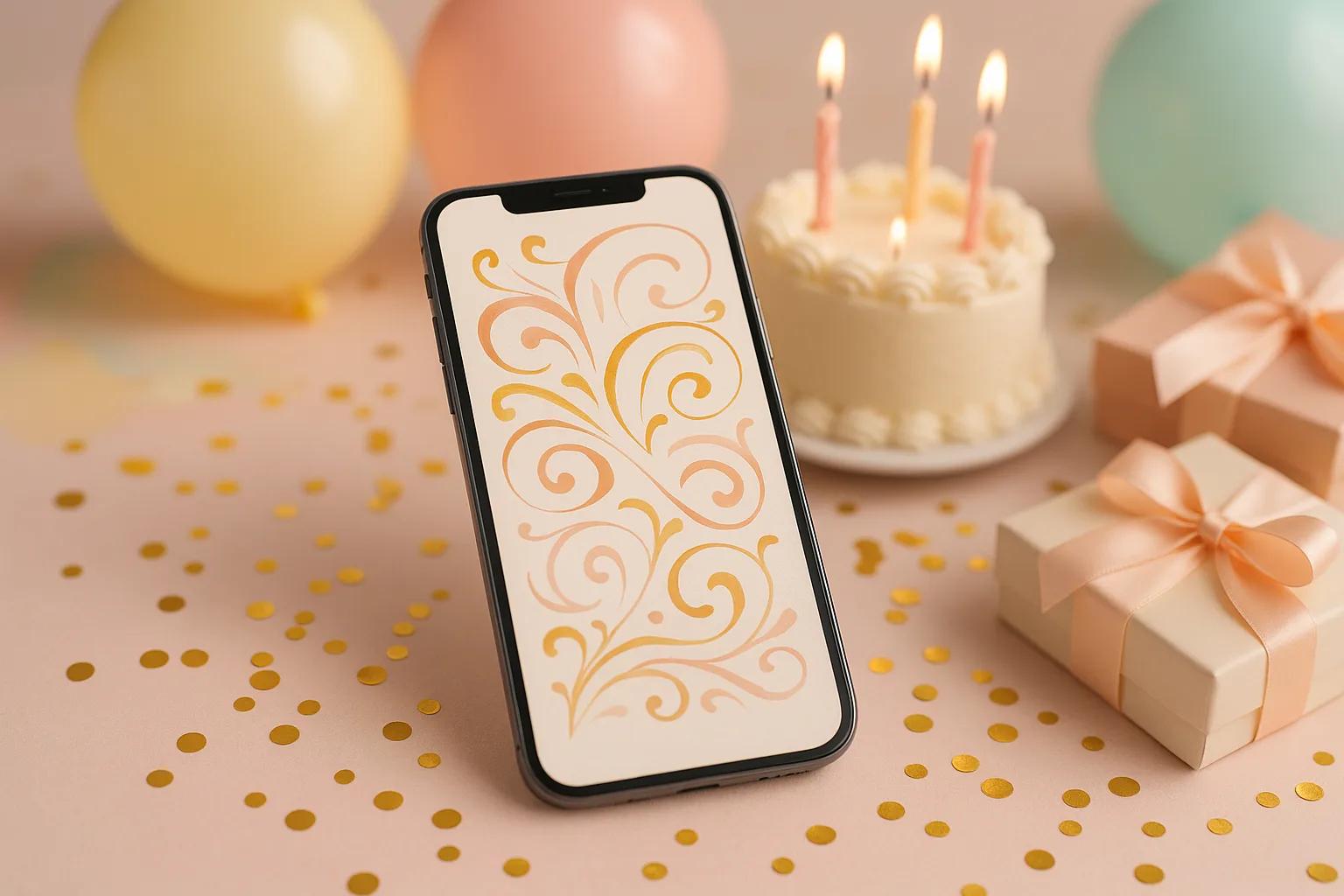
Planning a birthday party and want everything to be perfect from the very first impression? The invitation sets the tone for any event, and in 2026, more and more people are choosing to create an online birthday invitation instead of traditional paper versions. The reason is simple: speed, zero cost, unlimited customization, and the ability to send your invitation instantly via WhatsApp or other platforms. In this complete guide, we show you step by step how to create a free online birthday invitation on Pinvite, what templates are available, ready-to-use text ideas, and the features that turn party planning into a simple and enjoyable process.
01Why Choose an Online Birthday Invitation?
Traditional paper invitations have their charm, but an online birthday invitation comes with a host of advantages that are impossible to ignore:
- Free and instant: No more waiting days for printing and delivery. Create your invitation in minutes and send it immediately, at no cost.
- Full customization: Choose from a wide range of templates, modify the text, colors, fonts, and add photos to reflect the birthday person's personality.
- Built-in digital RSVP: Forget about phone calls and unclear messages. Guests confirm with a single click through the online RSVP, and you track everything in real time.
- Easy sharing: Send your invitation via WhatsApp, SMS, email, or any social network. A single link reaches everyone.
- Eco-friendly: Zero paper, zero waste. A responsible choice for the environment.
- Universal accessibility: The invitation looks flawless on any device — phone, tablet, or desktop.
With Pinvite, creating a free online birthday invitation becomes a pleasure, not a chore.
02How to Create a Birthday Invitation on Pinvite
Creating an invitation on Pinvite is intuitive and fast. Here are the steps to follow:
- Step 1 — Choose a template: Browse the templates section and select a design that matches your party theme. You'll find options for kids, adults, themed parties, and milestone birthdays.
- Step 2 — Customize your invitation: Edit the text with your event details: the birthday person's name, date, time, location, and any other relevant information. You can change colors, fonts, and add personal photos.
- Step 3 — Enable RSVP: Set up the RSVP form to collect your guests' responses. You can add custom questions such as dietary preferences or number of attendees.
- Step 4 — Send the invitation: Share your invitation instantly via WhatsApp, SMS, email, or a direct link. Each guest receives a professionally designed invitation right on their phone.
The entire process takes less than 5 minutes, and the result is a professional online birthday invitation, ready to send for free.
03Popular Birthday Invitation Templates
Pinvite offers a diverse collection of templates for every type of birthday. Here are the most popular categories:
- For kids: Colorful and cheerful designs with balloons, animals, cartoon characters, and fairy-tale themes. Perfect for little ones' parties, from age 1 to 12.
- For teenagers: Modern templates with neon, gaming, social media, or music designs. Ideal for 13 to 18-year-old birthdays.
- For adults: Elegant, minimalist, or sophisticated designs in gold, silver, or pastel tones. Suitable for birthdays from age 20 and up.
- Milestone birthdays: Special templates for 18th, 30th, 40th, 50th, or 60th birthdays, with design elements that mark the significance of the occasion.
- Themed parties: Templates for themed celebrations: pool party, garden party, retro party, masquerade, surprise party, and many more.
Every template is fully customizable — you can modify any element to create a unique invitation, exactly the way you want it.
0410 Birthday Invitation Text Ideas
Not sure what to write on your invitation? Here are 10 ready-to-use options, adapted for different styles and occasions. You can also use Pinvite's AI text generator for personalized texts.
- Friendly and warm: "Come celebrate with us! [Name] is turning [age] and would love to see you at an unforgettable party on [date], at [time], at [location]. RSVP now!"
- Formal and elegant: "You are cordially invited to celebrate the [age]th birthday of [Name]. Date: [date]. Time: [time]. Venue: [location]. Kindly confirm your attendance."
- Humorous for adults: "[Name] is no longer [age-1]! Come help them forget how old they actually are. Join us on [date], from [time], at [location]. Bring good vibes (and cake)!"
- For kids (from parents): "[Child's name] invites you to their birthday party! Join us on [date], at [time], at [location], for games, cake, and lots of fun!"
- Surprise party: "SURPRISE! We're throwing a secret party for [Name]. Be there on [date], at [time], at [location]. IMPORTANT: Don't spill the beans! RSVP discreetly."
- Themed party: "Welcome to [Party theme]! [Name] is turning [age] and invites you to an adventure on [date], at [time], at [location]. Dress code: [theme]!"
- Milestone birthday (50th): "Half a century of amazing stories! [Name] is celebrating 50 fabulous years on [date], starting at [time]. Venue: [location]. Let's make it a night to remember!"
- Short for WhatsApp: "Birthday party! [Name], [age] years, [date], [time], [location]. RSVP here: [link]"
- Romantic (for a partner): "With love, I invite you to celebrate another wonderful year in [Name]'s life. [Date], at [time], at [location]. We can't wait to see you!"
- Modern and creative: "Level [age] unlocked! [Name] is leveling up and you've received a VIP invite. [Date] / [time] / [location]. Confirm your spot!"
05Essential Features for a Successful Party
An online birthday invitation from Pinvite isn't just a beautiful design — it's a complete event management tool. Here are the features that make the difference:
- Real-time RSVP tracking: Instantly see who has confirmed, who has declined, and who hasn't responded yet. You can send automatic reminders to those who haven't confirmed.
- Guest management: Monitor your complete guest list from a single dashboard. Add notes, categories, and additional information for each guest.
- Guest messages: Guests can leave congratulatory messages directly on the invitation, creating a gallery of wishes that the birthday person can read and cherish.
- Automatic notifications: Receive alerts every time someone confirms or sends a message. Stay informed without any extra effort.
- Customizable forms: Collect relevant information: food allergies, menu preferences, number of plus-ones, and other logistical details.
- Responsive design: The invitation looks perfect on any device, from smartphone to desktop.
All these features are available for free on Pinvite, turning your invitation into a command center for your party.
06How to Send Your Invitation via WhatsApp
WhatsApp is one of the most widely used messaging apps worldwide, and sending your invitation through WhatsApp is extremely simple on Pinvite:
- Step 1: Once you've finalized your invitation on Pinvite, tap the "Share" button.
- Step 2: Select the WhatsApp option from the list of sharing channels.
- Step 3: Choose the contacts or groups you want to send the invitation to.
- Step 4: The invitation is sent as an elegant link with a visual preview. Guests see an attractive preview of the invitation right in the chat.
You can send the invitation individually to each guest or to a WhatsApp group. Everyone who opens the link sees the full invitation and can RSVP instantly.
Alternatively, you can copy the invitation link and share it through any other messaging app: Messenger, Telegram, Viber, or SMS.
07Conclusion
Creating an online birthday invitation is no longer just for the tech-savvy — it's the modern, practical, and free solution used by more and more party planners. With Pinvite, you have everything you need: professional templates, built-in RSVP, instant sharing via WhatsApp, and an AI text generator that helps you find the perfect words.
Whether you're planning a 5-year-old's party, a surprise celebration for a friend, or an elegant 50th birthday event, Pinvite helps you create the perfect invitation in minutes, completely free.
Start now — visit Pinvite and create your first online birthday invitation. The perfect party starts with the perfect invitation!