
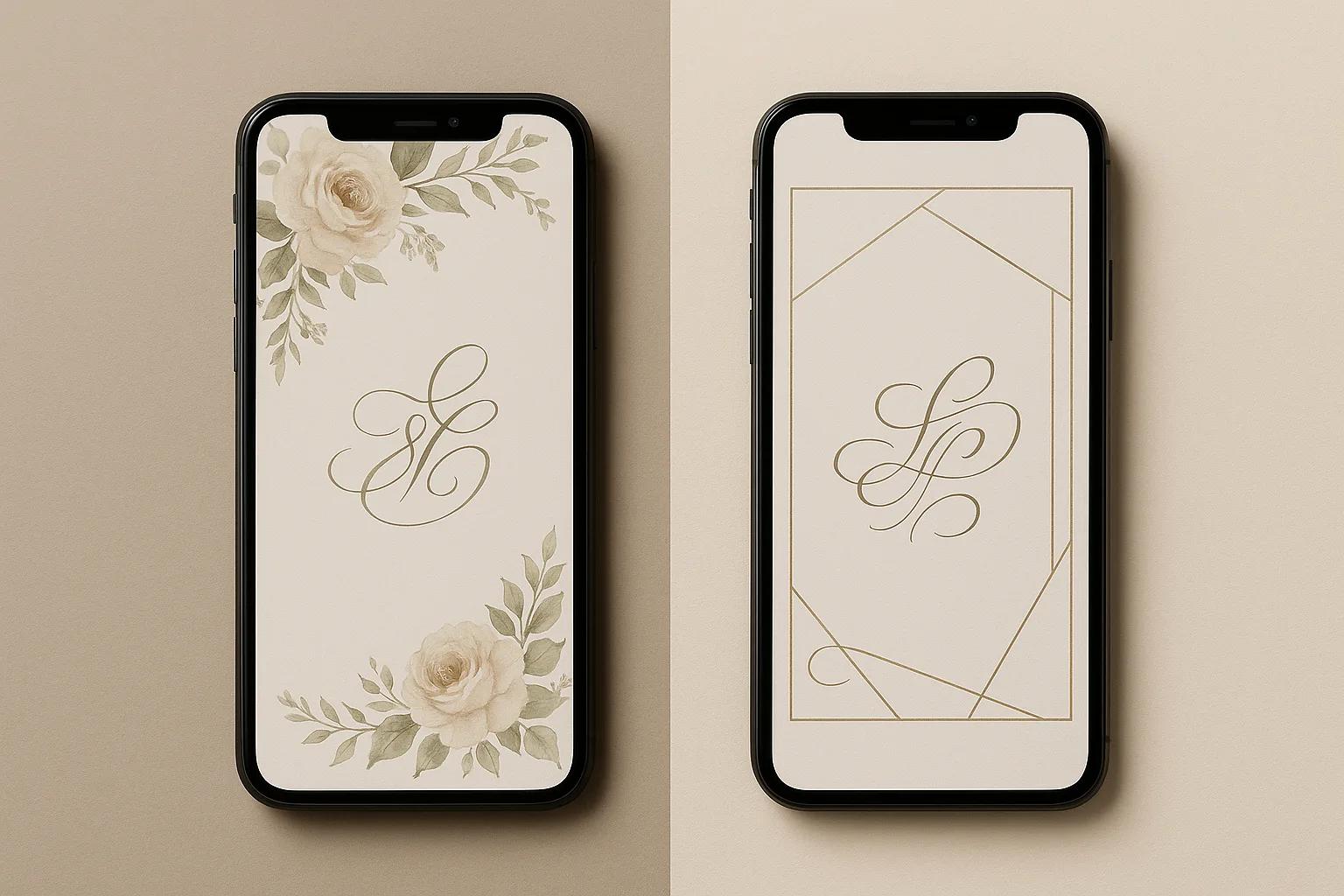
Choosing the right platform for your event invitations can make or break your planning experience. You need beautiful designs, yes — but you also need your guests to actually respond, your seating chart to come together, and your event details to reach everyone effortlessly. Canva and Pinvite both help you create digital invitations, but they approach the problem from very different angles. This honest, side-by-side comparison will help you decide which tool fits your needs — whether you are planning a wedding, a christening, a birthday party, or a corporate gathering.
01Quick Comparison: Pinvite vs Canva
| Feature | Pinvite | Canva |
|---|---|---|
| Invitation Templates | Event-specific templates (weddings, christenings, birthdays) | Massive general-purpose template library |
| Built-in RSVP | Yes — integrated with real-time tracking | No |
| Guest Management | Yes — full guest list with status tracking | No |
| Seating Charts | Yes — drag-and-drop table planner | No |
| Transport Coordination | Yes — guest transport management | No |
| Accommodation Management | Yes — room assignments for guests | No |
| AI Text Generator | Yes — invitation text, vows, speeches | Limited — Magic Write for general text |
| WhatsApp Sharing | Yes — direct sharing with tracking | No native integration |
| QR Code Sharing | Yes — built-in QR codes | Manual — requires separate tool |
| Design Flexibility | Event-focused customization | Full graphic design suite |
| Free Tier | Yes | Yes |
| Primary Purpose | Event management + invitations | General graphic design |
02What Is Canva?
For invitation design specifically, Canva excels at giving you creative freedom. You can start from a blank canvas or choose from hundreds of invitation-style templates, customise colours, fonts, images, and layouts, and export your design as a PDF, PNG, or shareable link. If your primary need is a stunning visual design with full creative control, Canva is a powerful choice.
However, Canva is a design tool — not an event management platform. Once you create your invitation, the planning work is entirely up to you. There is no built-in RSVP, no guest tracking, no seating planner, and no way to coordinate event logistics through the platform.
03What Is Pinvite?
With Pinvite, your invitation is not just a pretty image — it is a functional event hub. Guests can confirm attendance directly from the invitation, provide meal preferences, indicate plus-ones, and access event details like location, schedule, and accommodation. Hosts get a real-time dashboard to track every response and manage logistics.
Explore the full set of features or see how it works to understand the complete experience.
04RSVP and Guest Management
Pinvite includes a full RSVP tracking system built directly into every invitation. When a guest opens your invitation, they can confirm or decline attendance, specify the number of guests, note dietary restrictions, and provide other details you choose to collect — all within the invitation itself. Every response appears instantly in your dashboard, giving you a real-time picture of your event.
Canva does not offer any RSVP functionality. After designing your invitation, you need to manually track responses through a spreadsheet, a separate form tool, or phone calls. For a small gathering this might be manageable, but for a wedding with 150 guests, the difference is enormous.
If managing guest responses is important to your event — and for most events it is — this is where Pinvite provides clear, measurable value that Canva simply cannot match.
05Template Variety and Design Flexibility
Pinvite offers a curated collection of templates designed specifically for events: weddings, christenings, birthdays, anniversaries, and more. Every template is optimised for the invitation experience, including built-in sections for event details, RSVP forms, and location maps. You can customise colours, fonts, images, and text to match your vision.
If you need to design a completely custom invitation from scratch with full graphic design control, Canva gives you more tools. If you want a polished, event-ready invitation that works out of the box with all the functional features included, Pinvite gets you there faster.
06Event Management Features
Pinvite offers a suite of event management tools that no design platform provides:
- Seating Charts: A drag-and-drop table planner that lets you assign guests to tables, manage seating arrangements, and visualise your event layout.
- Transport Coordination: Organise guest transportation, assign vehicles, and ensure everyone knows how to get to the venue.
- Accommodation Management: Track room assignments and accommodation details for events where guests are staying overnight.
- Guest List Dashboard: A centralised view of every guest — their RSVP status, meal preferences, group, and all collected information.
Canva offers none of these features. It is designed to create visual content, not to manage event logistics. For a simple dinner party this may not matter, but for a wedding, a corporate gala, or a multi-day celebration, these tools save hours of manual work.
07AI-Powered Content Creation
Pinvite includes a specialised AI text generator designed specifically for events. It can create:
- Personalised invitation wording tailored to your event type and tone
- Wedding vow suggestions based on your relationship and style
- Speech drafts for toasts, best man speeches, and maid of honour addresses
You describe your event, choose a tone — formal, romantic, casual, or playful — and the AI generates ready-to-use text that you can refine and personalise.
Canva offers Magic Write, a general-purpose AI text tool that can generate copy for any context. It is useful for brainstorming or writing marketing text, but it is not specifically trained for event language, invitation etiquette, or the nuanced wording that ceremonies require.
For event-specific content, Pinvite's focused AI delivers more relevant, usable results.
08Sharing and Distribution
Pinvite is built for digital distribution:
- WhatsApp Sharing: Send invitations directly through WhatsApp — the most popular messaging app for event communication in many markets. Guests tap the link and land on your full invitation with RSVP.
- Direct Link: Every invitation has a unique shareable URL that works on any device.
- QR Codes: Generate a QR code for your invitation that guests can scan from a printed card, a poster, or a screen.
- Nominal Invitations: Send personalised invitations with each guest's name, creating a premium, individual experience.
Canva lets you download your design as an image or PDF for manual sharing, or generate a view-only link. However, there is no built-in mechanism for tracking who received the invitation, who opened it, or who responded. The sharing is passive rather than interactive.
09Pricing and Value
Canva Free gives you access to a large portion of its template library and basic design tools. Canva Pro (approximately $13/month) unlocks premium templates, the background remover, Brand Kit, and additional AI features. The pricing covers all design needs, not just invitations.
Pinvite offers a free plan that includes invitation creation, RSVP tracking, and guest management for smaller events. Premium plans unlock additional templates, higher guest limits, advanced features like seating charts and transport coordination, and priority support. Check the pricing page for current plans.
The value comparison depends on what you need. If you use Canva for invitations plus other design work (social media, business materials), the subscription covers multiple needs. If your focus is event planning and you want everything from invitation to guest management in one place, Pinvite delivers more event-specific value per dollar spent.
10When to Choose Canva
- You need full creative control over your invitation design and want to start from a blank canvas
- You are already a Canva user and want to keep all your design work in one platform
- Your event is small and informal, and you do not need RSVP tracking or guest management
- You plan to print your invitations rather than send them digitally
- You need design tools beyond invitations — social media graphics, menus, signage, thank-you cards
Canva is an excellent design tool, and for purely visual invitation creation, it is hard to beat. Just be prepared to handle RSVPs, guest tracking, and event logistics separately.
11When to Choose Pinvite
- You want your invitation to include built-in RSVP tracking so guests can confirm directly
- You need to manage a guest list and track responses in real time
- Your event requires seating charts, transport coordination, or accommodation planning
- You want to share invitations via WhatsApp, QR code, or personalised links
- You need AI-generated invitation text, vows, or speeches tailored to your event
- You want one platform that handles everything from invitation to event day
If your event involves more than just sending a pretty card — if you need people to respond, need to plan logistics, and want to keep everything organised — Pinvite is built exactly for that purpose. Start with a template and see how quickly your event comes together.
12The Verdict
If you only need a design, choose Canva. If you need an invitation that works — one that collects RSVPs, helps you manage guests, and streamlines your event planning — choose Pinvite.
The best part? You do not have to decide blindly. Try Pinvite for free, explore the templates, and see how much easier event planning becomes when your invitation does more than just look good.