
Company Christmas party invitation — with an Advent calendar
Colleagues open 12 little doors and find everything they need to know: the date, the venue, the dress code, the transport and the raffle. Then they confirm with their chosen menu, in under a minute.
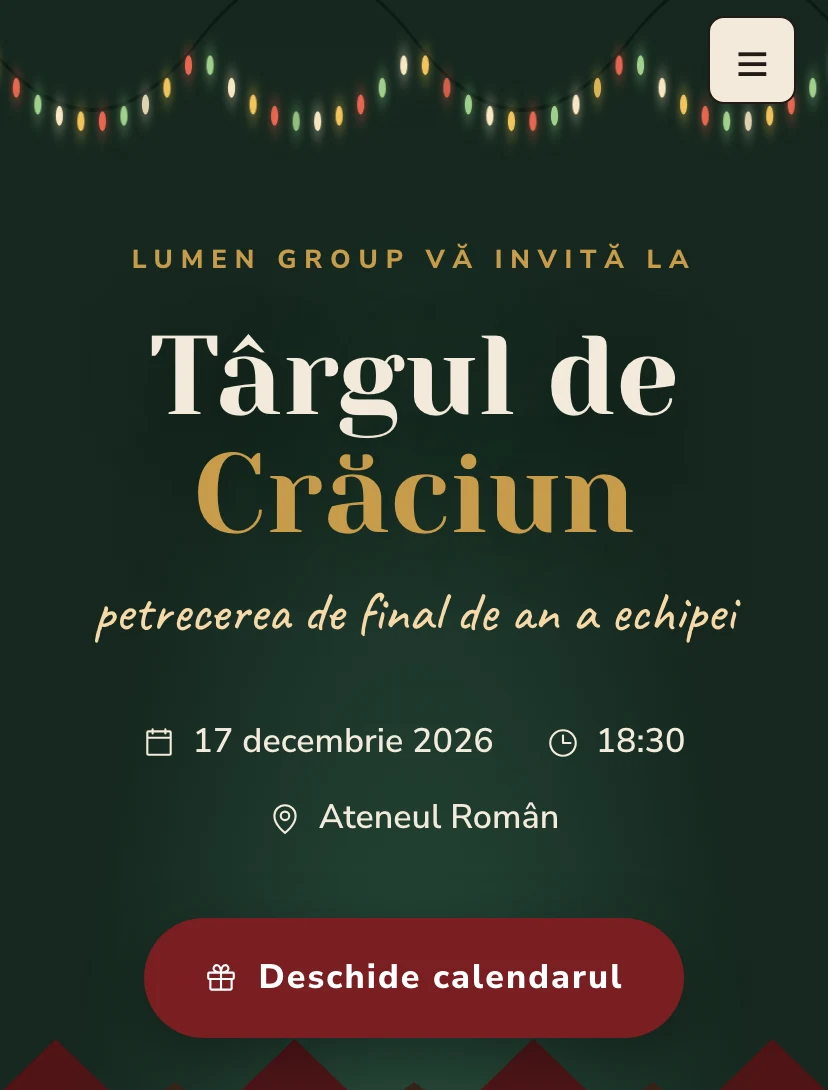
Why guests will pass the link on
Every Pinvite design has a surprise interaction built around its theme. In Christmas Market: an Advent calendar with 12 doors.
An Advent calendar
12 3D doors that open on touch. Each hides a detail of the evening, and confetti appears at the end.
Details behind the doors
The date, the venue, the dress code, the transport and the raffle, discovered one door at a time.
Transport and menu
The form can ask about the coach, the department and the menu (traditional, vegetarian, vegan).
A mug with your name
As the colleague types their name, it appears on the mulled-wine mug.
Colors and fonts of the Christmas Market design
A recommended starting point from our designers. Keep them or change them in the editor.
#F3EADB#1F3A2D#7A1E22#C89B4BThe Christmas Market invitation: for which celebration
For companies that want a warm end-of-year party without needless fireworks, the Christmas Market design brings the atmosphere of winter markets: fairy lights, wooden huts, mulled wine and carols. The snowfall and the garland of bulbs in the first section set the tone before the guest reads a single line.
It suits teams of 20 to 500 people, in converted halls, restaurants or resorts. HR sees the confirmations live, with each person's department, menu and transport, from the form's questions. The list is exported for the venue and the caterer.
What the invitation contains
The sections of this design, ready to use. Hide the ones you do not need.
From design to the link you send
Start from the Pinvite editor
Open the editor, no card needed, and pick the Christmas Market design for your invitation.
Bring it to your brand
Colors, date, venue and texts. Preview on the phone in real time.
Send the link
On Slack, Teams, by email or as a QR code. Confirmations arrive live, ready to export.
About the Christmas Market design
Can we send the invitation on Slack or Teams?
Can we export the confirmations for the venue and the caterer?
How much does a Pinvite corporate invitation cost?
Can I change the colors to the company's?
Does it work well on a phone?
More corporate designs
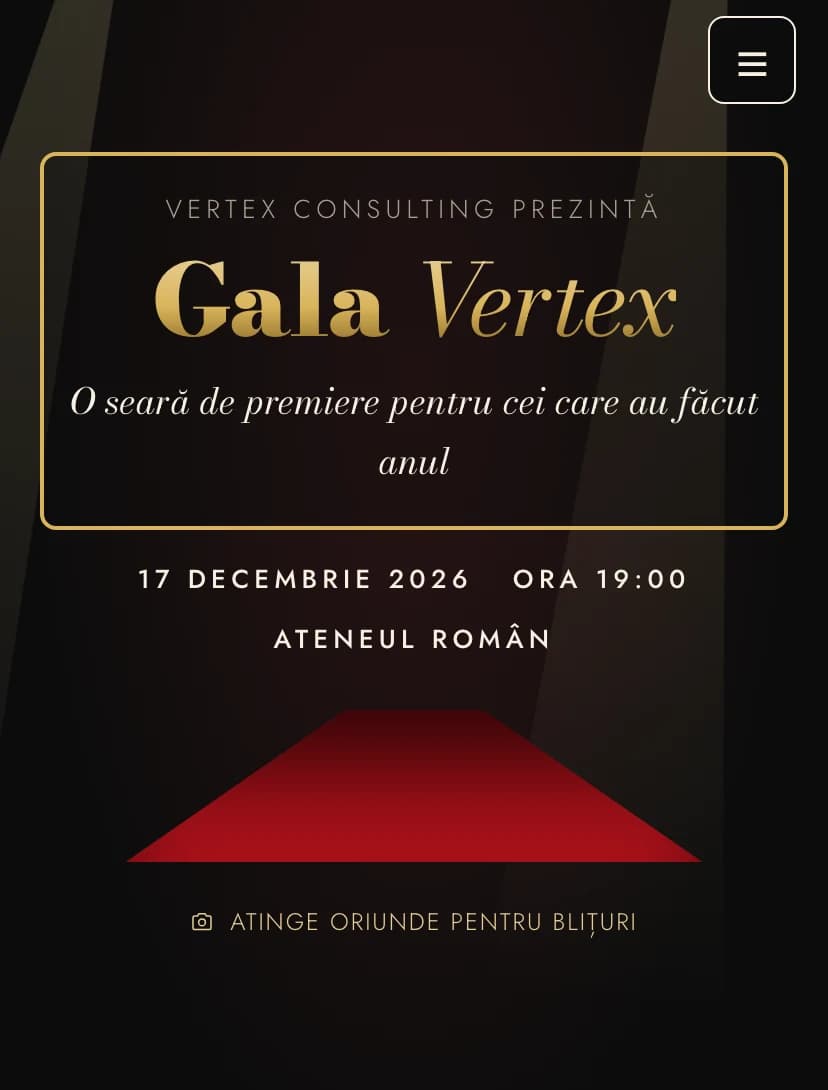
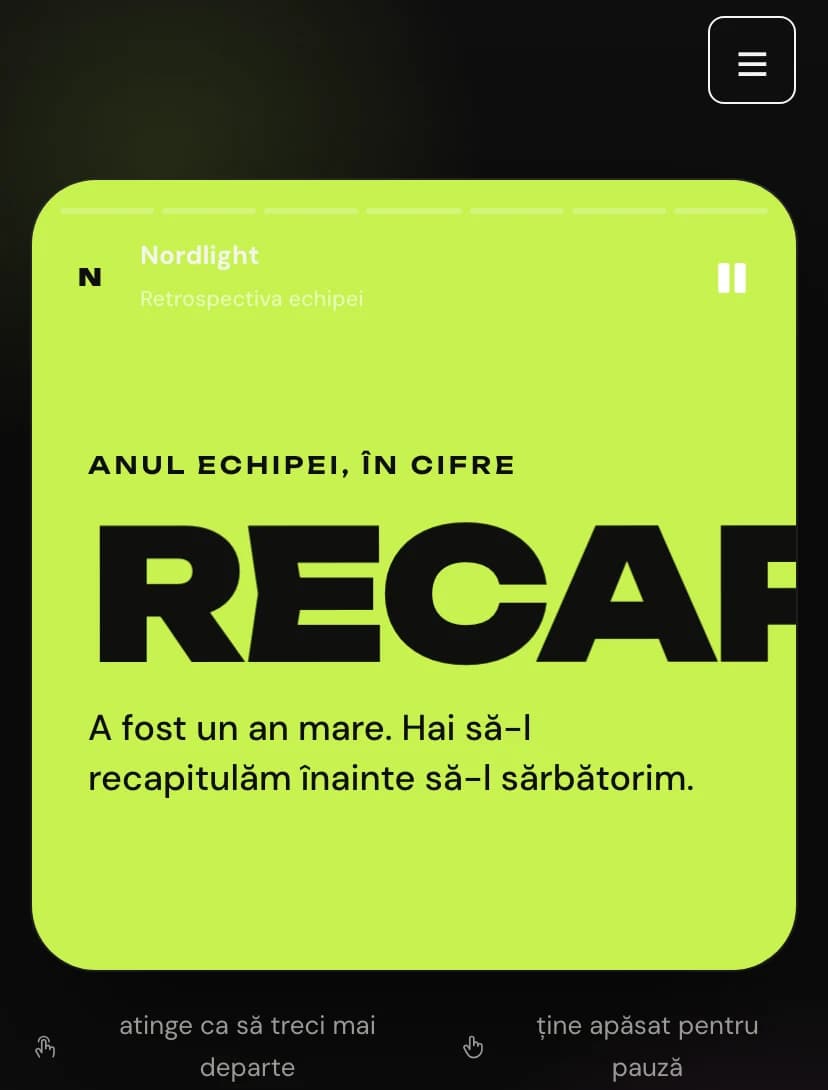
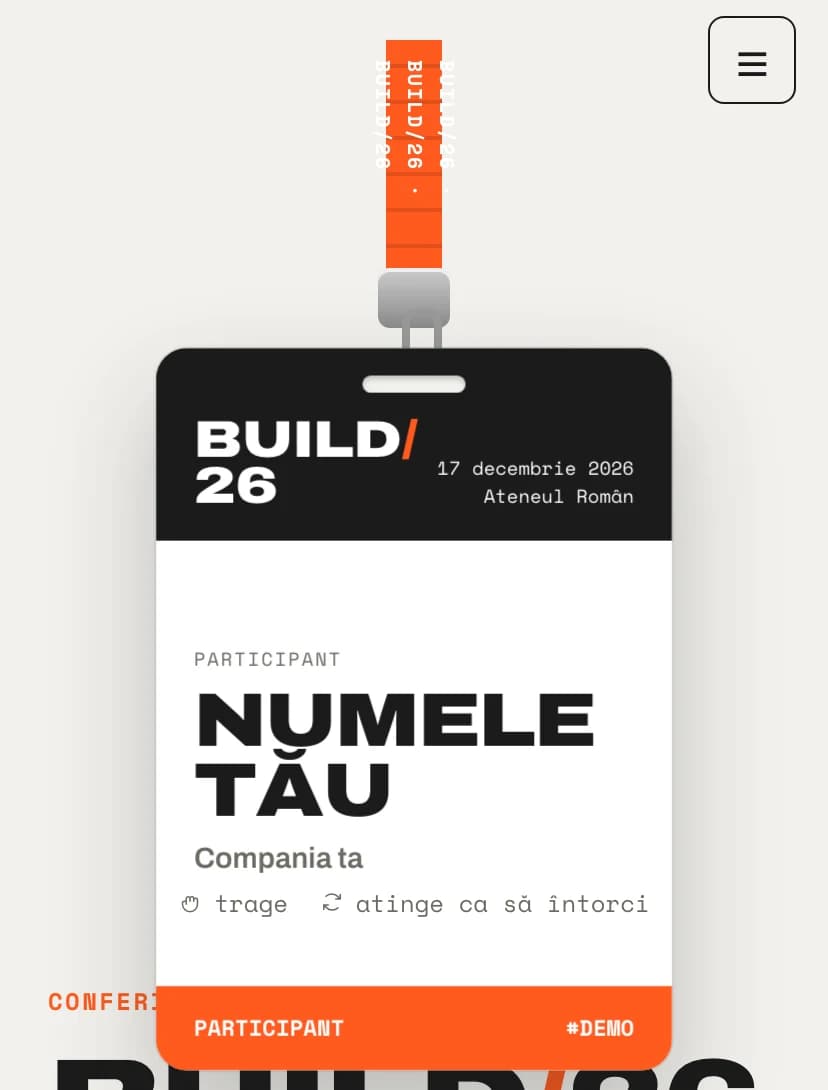
The team's event, in Christmas Marketstyle.
Open the design in the editor, personalize it in minutes and send the link. Free for up to 15 confirmations.