
Conference invitation — the badge prints while you register
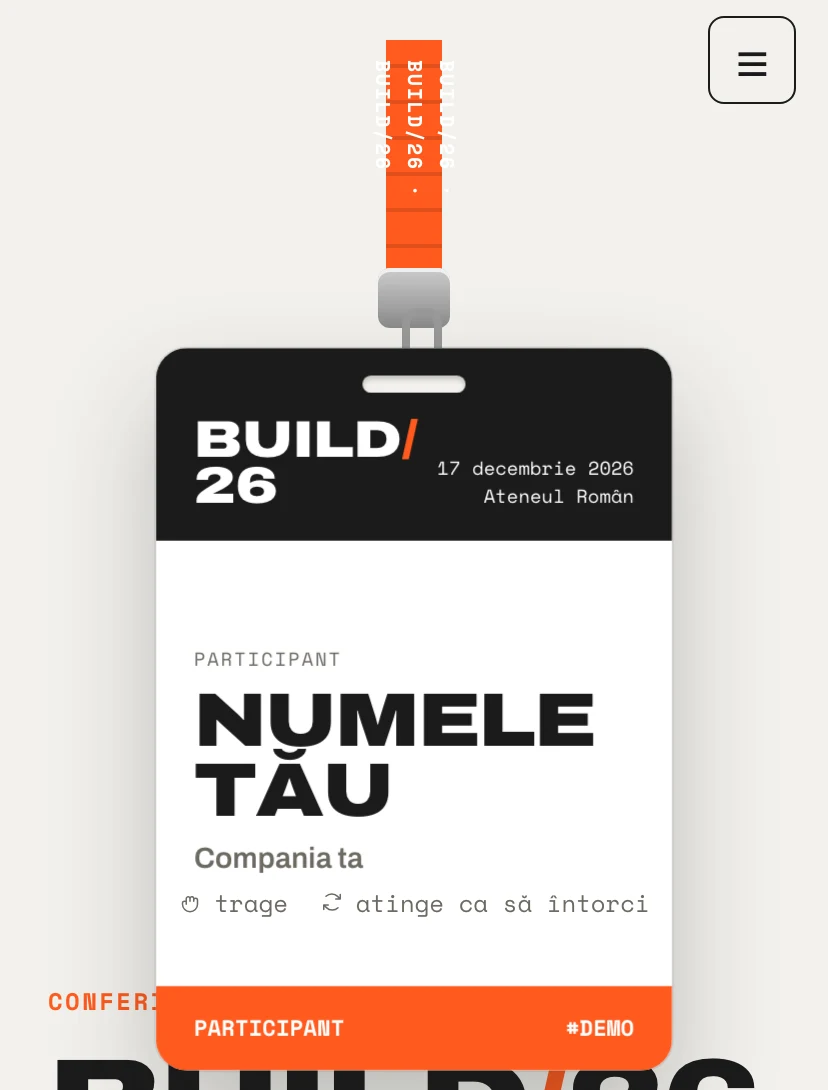
The badge hangs on its lanyard and swings when you pull it. Flipped over, it shows the agenda of the day. While the attendee fills in the form, their name appears on the badge in real time.
Why guests will pass the link on
Every Pinvite design has a surprise interaction built around its theme. In Conference Badge: a badge on a lanyard that swings.
A badge with real physics
The badge swings like a pendulum, is pulled with a finger and flips on touch.
An agenda by track
Tabs for each track, with times, rooms and speakers.
Speaker pages
A grid of speakers with role and company, ready for your photos.
Sign-up without an account
Name, company, role, days and tracks of interest. The attendee confirms without creating an account.
Colors and fonts of the Conference Badge design
A recommended starting point from our designers. Keep them or change them in the editor.
#F2F1EC#1B1B1B#FF5A1F#3D5AFEThe Conference Badge invitation: for which celebration
For conferences, meetups and offsites, the invitation is the first interaction with the event. The Conference Badge design starts from the most recognizable object of a conference, the badge, and makes it playful without costing clarity: the agenda, the speakers and the venue are one scroll away.
It suits events from 50 to a few thousand attendees. Organizers export the list to Excel, with the answers to the questions about sessions, and on Premium they scan the attendees' QR codes at the door.
What the invitation contains
The sections of this design, ready to use. Hide the ones you do not need.
From design to the link you send
Start from the Pinvite editor
Open the editor, no card needed, and pick the Conference Badge design for your invitation.
Bring it to your brand
Colors, date, venue and texts. Preview on the phone in real time.
Send the link
On Slack, Teams, by email or as a QR code. Confirmations arrive live, ready to export.
About the Conference Badge design
Can the agenda be updated after sending?
Can it be used for an internal team offsite?
How much does a Pinvite corporate invitation cost?
Can I change the colors to the company's?
Does it work well on a phone?
More corporate designs
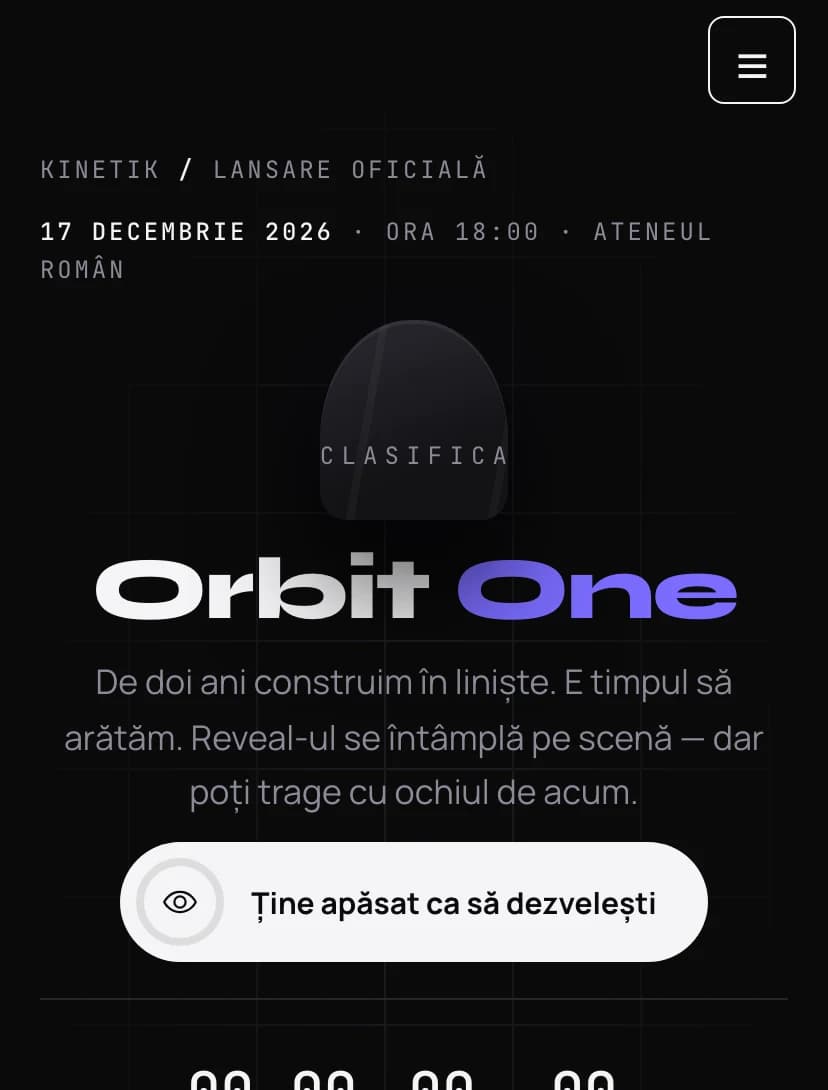
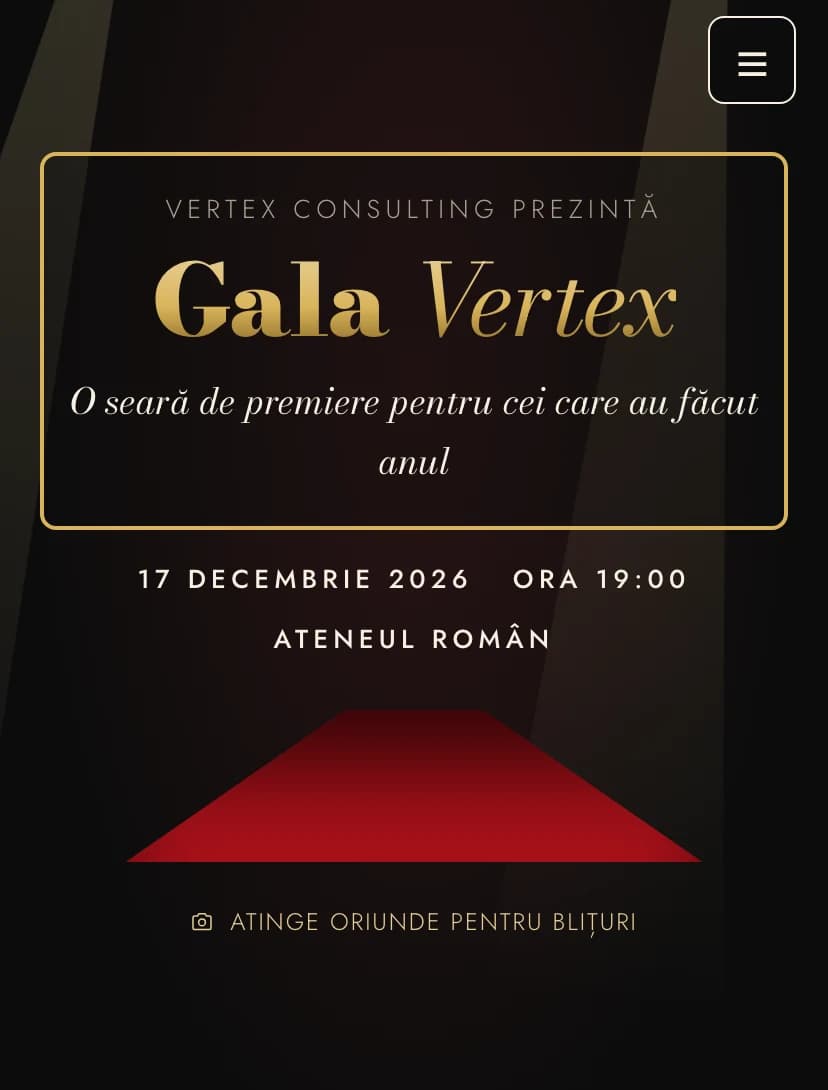
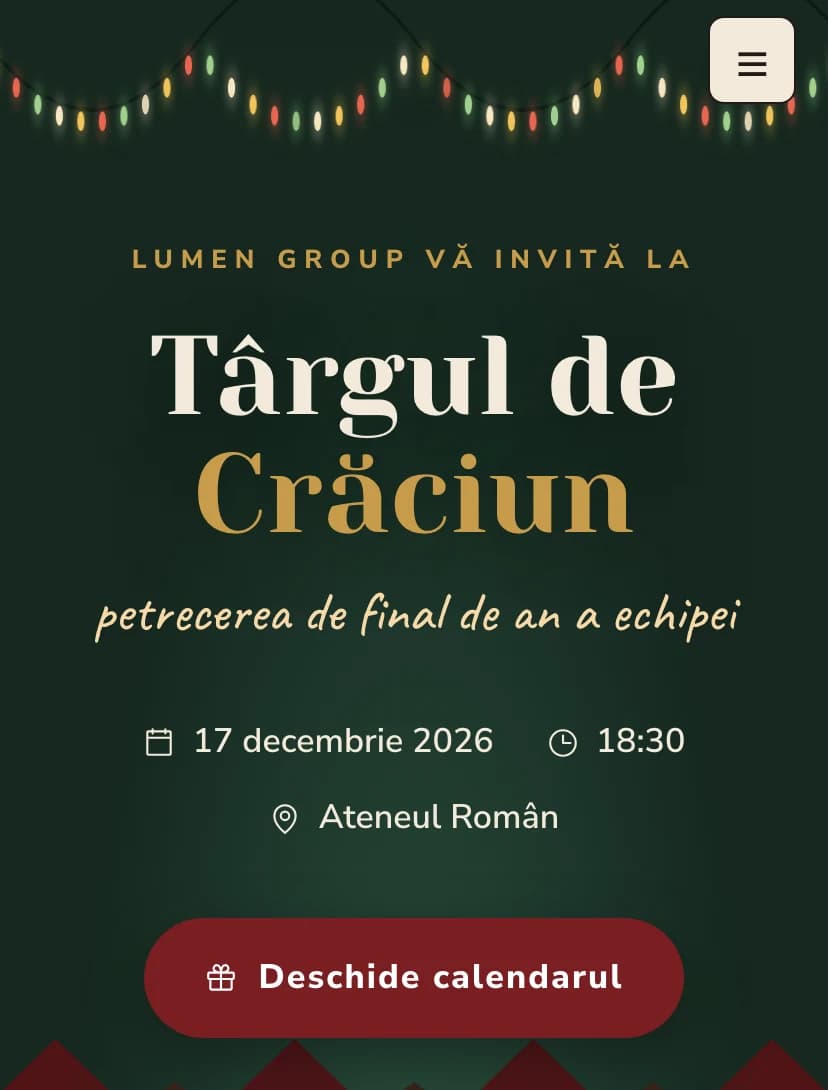
The team's event, in Conference Badgestyle.
Open the design in the editor, personalize it in minutes and send the link. Free for up to 15 confirmations.