
Corporate event invitation as a year recap in stories
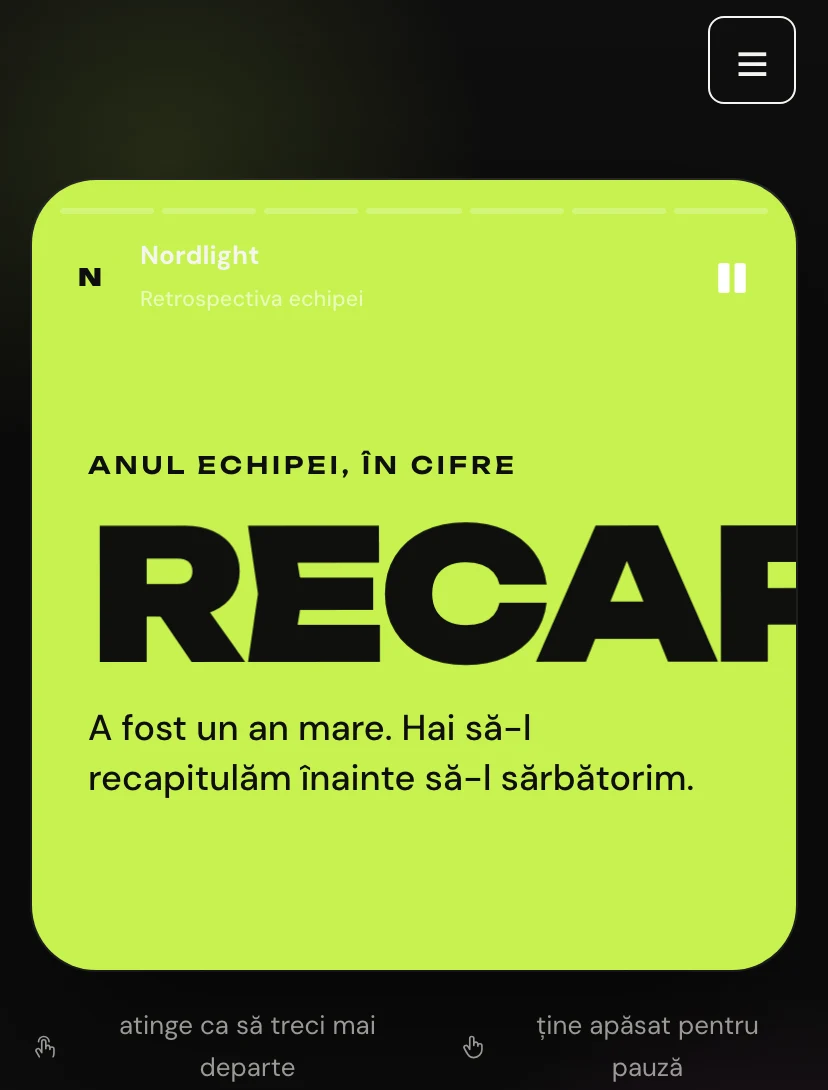
The invitation opens like a story on the phone: delivered projects, coffees drunk and new colleagues appear one by one, animated. The last slide is the invitation to the party, and colleagues confirm in the form that follows.
Why guests will pass the link on
Every Pinvite design has a surprise interaction built around its theme. In Year Recap: stories with the numbers of the year.
Full-screen stories
Progress bars, tap left and right, press and hold to pause — exactly like on Instagram.
Animated figures
The numbers of the year count up in real time: projects, clients, new colleagues, anything you want to celebrate.
A menu question
The form asks each colleague which menu they prefer, so the caterer gets the numbers.
Transport for colleagues from other cities
A question in the form finds out where each person comes from, so the travel team can arrange tickets and accommodation.
Colors and fonts of the Year Recap design
A recommended starting point from our designers. Keep them or change them in the editor.
#0E0E0E#F5F5F2#C6F24E#FF6AD5The Year Recap invitation: for which celebration
The “year in review” format is one of the most shared kinds of content in December. The Year Recap design turns it into an invitation: colleagues go through the team's numbers like through a friend's stories, and at the end they find out where and when the party is.
It suits tech companies, agencies and startups that want something bolder than an email from HR. The figures, texts and colors of the slides are changed from the editor, and confirmations arrive live in the guest list.
What the invitation contains
The sections of this design, ready to use. Hide the ones you do not need.
From design to the link you send
Start from the Pinvite editor
Open the editor, no card needed, and pick the Year Recap design for your invitation.
Bring it to your brand
Colors, date, venue and texts. Preview on the phone in real time.
Send the link
On Slack, Teams, by email or as a QR code. Confirmations arrive live, ready to export.
About the Year Recap design
Can we use the company's real figures?
Do colleagues need an account to confirm?
How much does a Pinvite corporate invitation cost?
Can I change the colors to the company's?
Does it work well on a phone?
More corporate designs
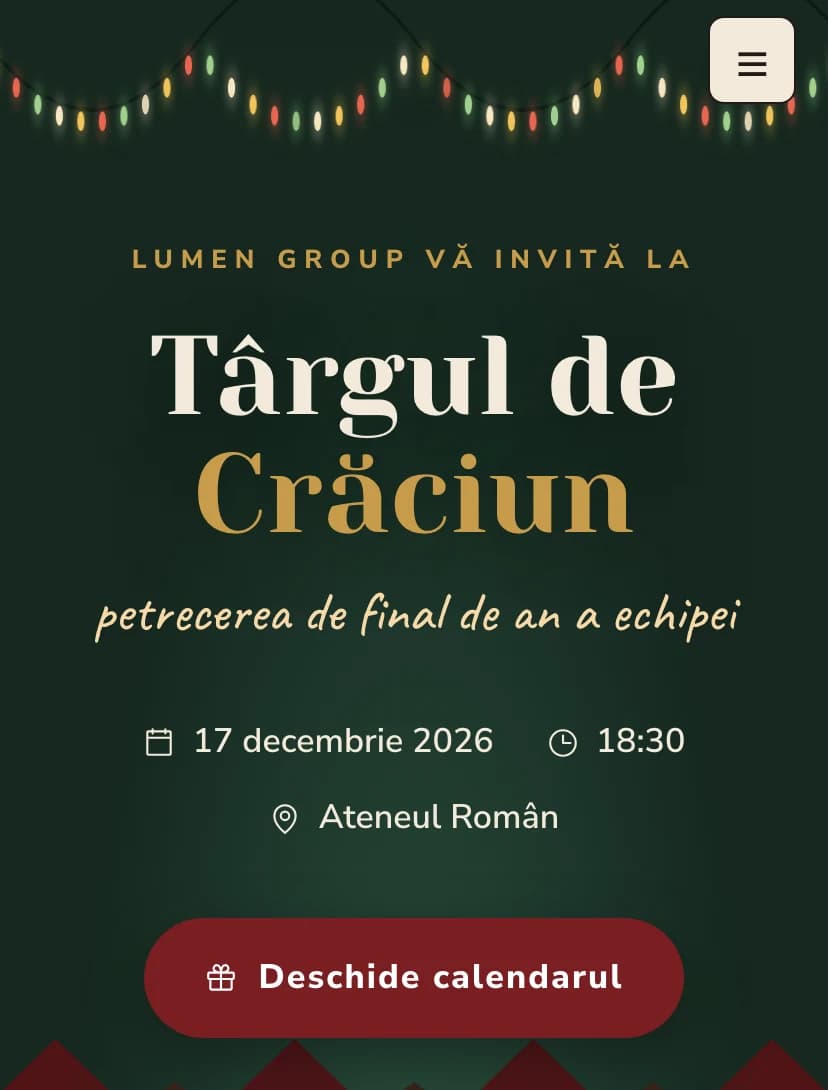
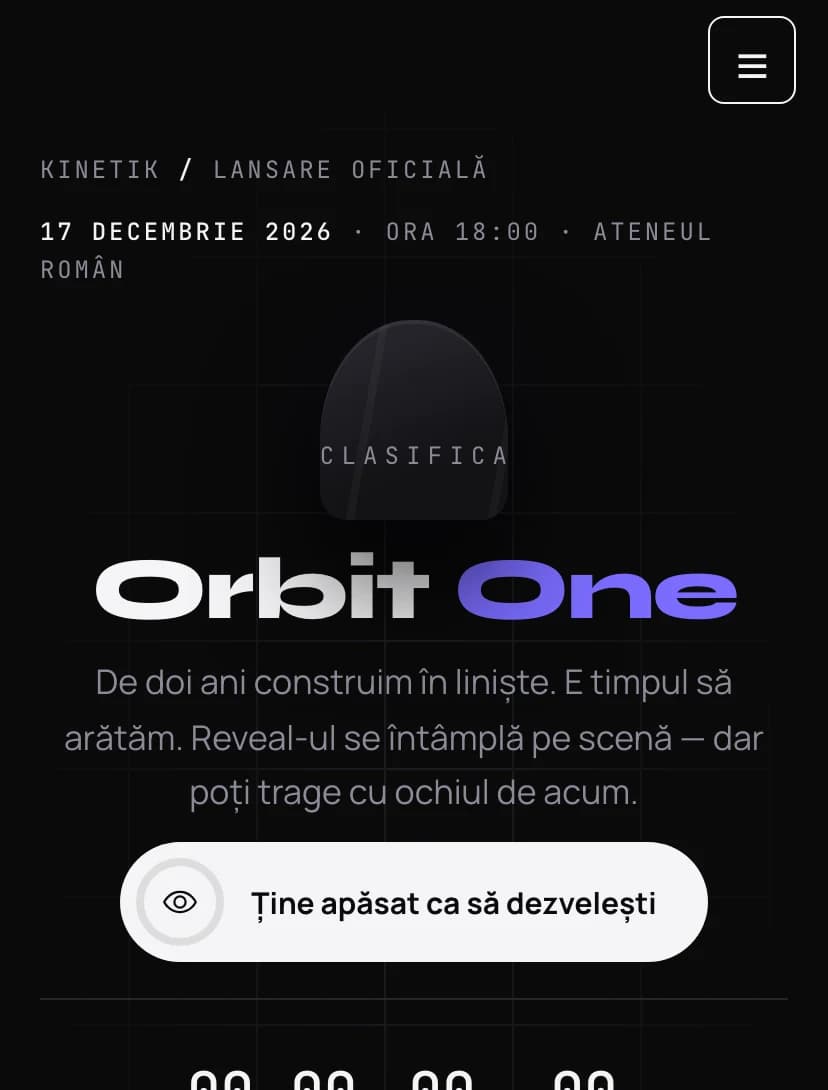
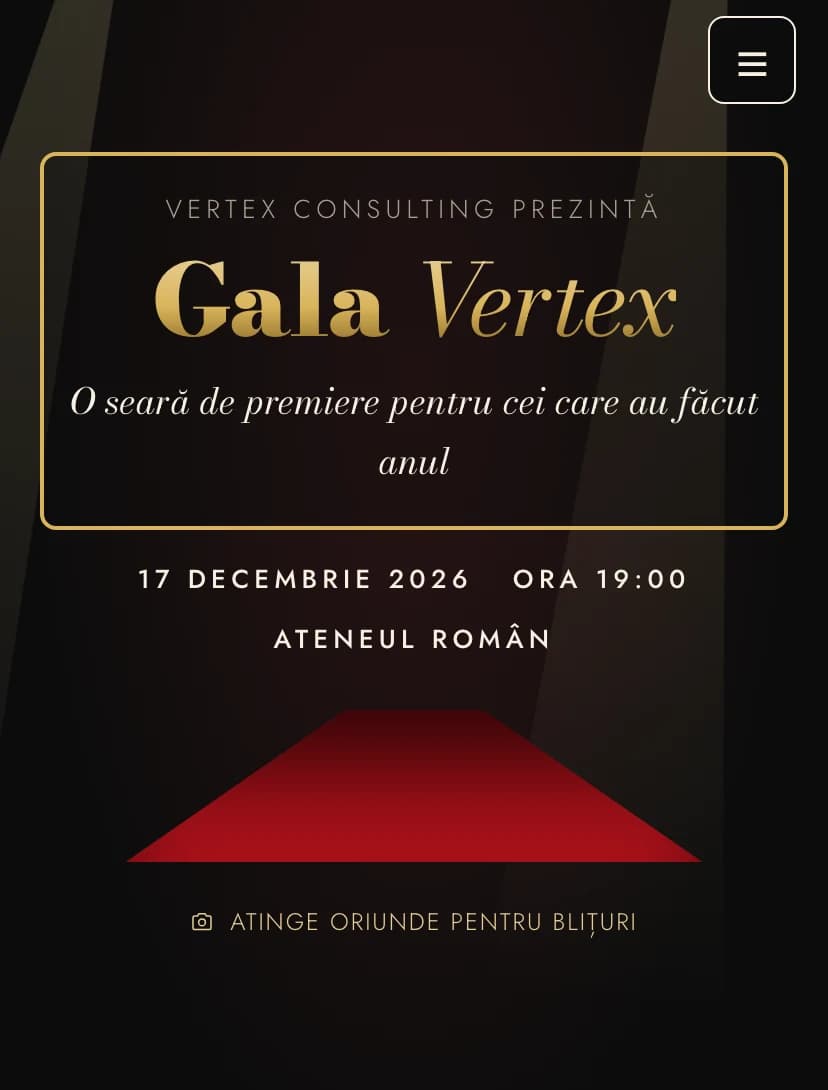
The team's event, in Year Recapstyle.
Open the design in the editor, personalize it in minutes and send the link. Free for up to 15 confirmations.