
Product launch invitation — with a teaser, a countdown and a reveal
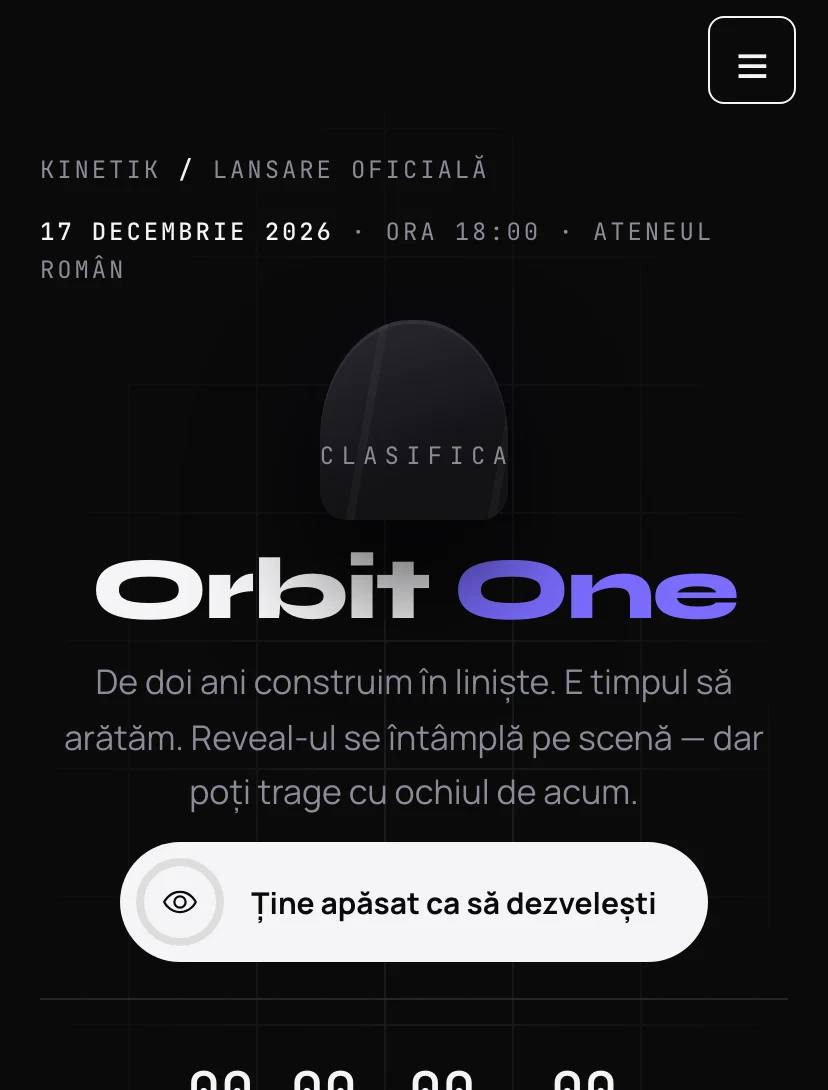
The product sits under a cloth. The guest holds the button, the cloth starts to shake and then flies off, revealing the silhouette. The specifications stay partly hidden until launch day, and a pass shows the guest's name as they type it in the confirmation.
Why guests will pass the link on
Every Pinvite design has a surprise interaction built around its theme. In Product Launch: a reveal on a long press.
Hold to reveal
A ring fills while you hold. If you let go, it empties. At the end, the product appears in light.
A countdown to launch
Days, hours, minutes and seconds until the moment on stage.
Hidden specifications
The key figures are covered and revealed partially after the reveal, to create curiosity.
A pass with your name
The pass shows the guest's name as they type it in the confirmation form.
Colors and fonts of the Product Launch design
A recommended starting point from our designers. Keep them or change them in the editor.
#0A0A0B#F4F4F6#7B6CFF#B7AEFFThe Product Launch invitation: for which celebration
A successful launch begins before the event. The Product Launch design builds anticipation: the covered object, the countdown and the hidden figures make guests return to the link and pass it on.
It suits startups, tech brands and retailers launching a product, a collection or an app. You can ask guests for their role, for example press, partners or customers, with a question in the form.
What the invitation contains
The sections of this design, ready to use. Hide the ones you do not need.
From design to the link you send
Start from the Pinvite editor
Open the editor, no card needed, and pick the Product Launch design for your invitation.
Bring it to your brand
Colors, date, venue and texts. Preview on the phone in real time.
Send the link
On Slack, Teams, by email or as a QR code. Confirmations arrive live, ready to export.
About the Product Launch design
Can we use a real image of the product?
Can we limit the number of places?
Does the QR code work at the door?
How much does a Pinvite corporate invitation cost?
Can I change the colors to the company's?
Does it work well on a phone?
More corporate designs
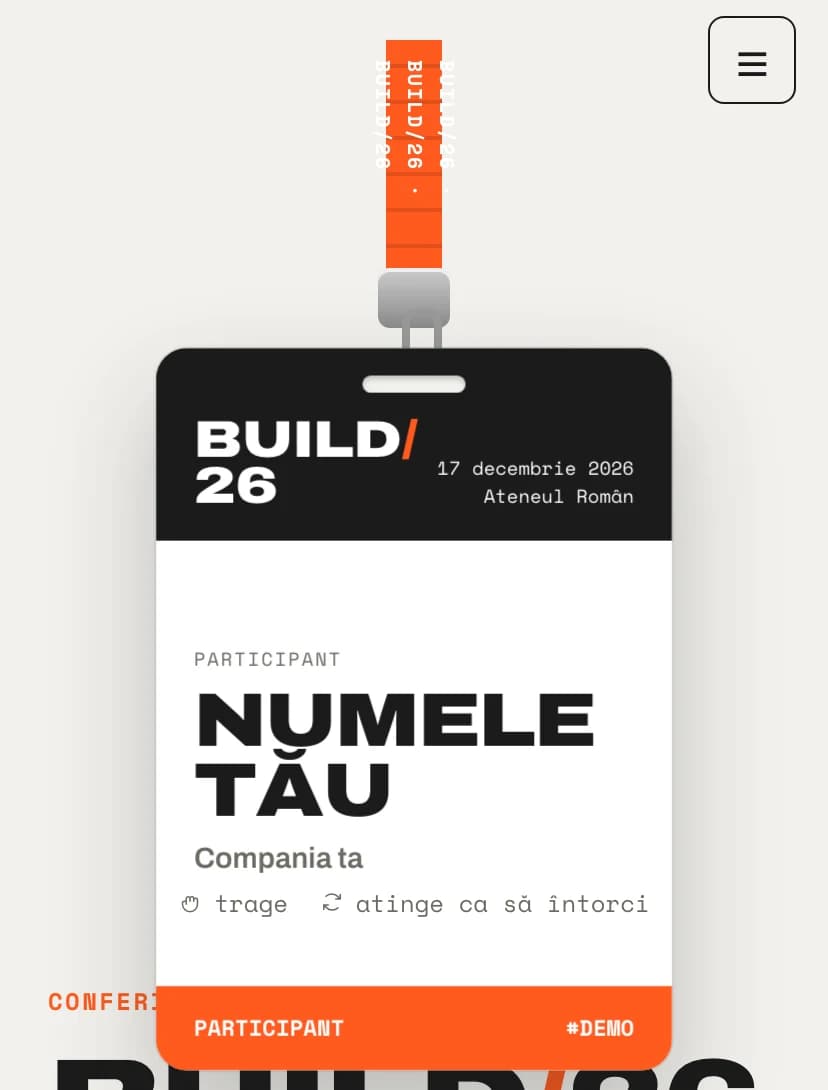
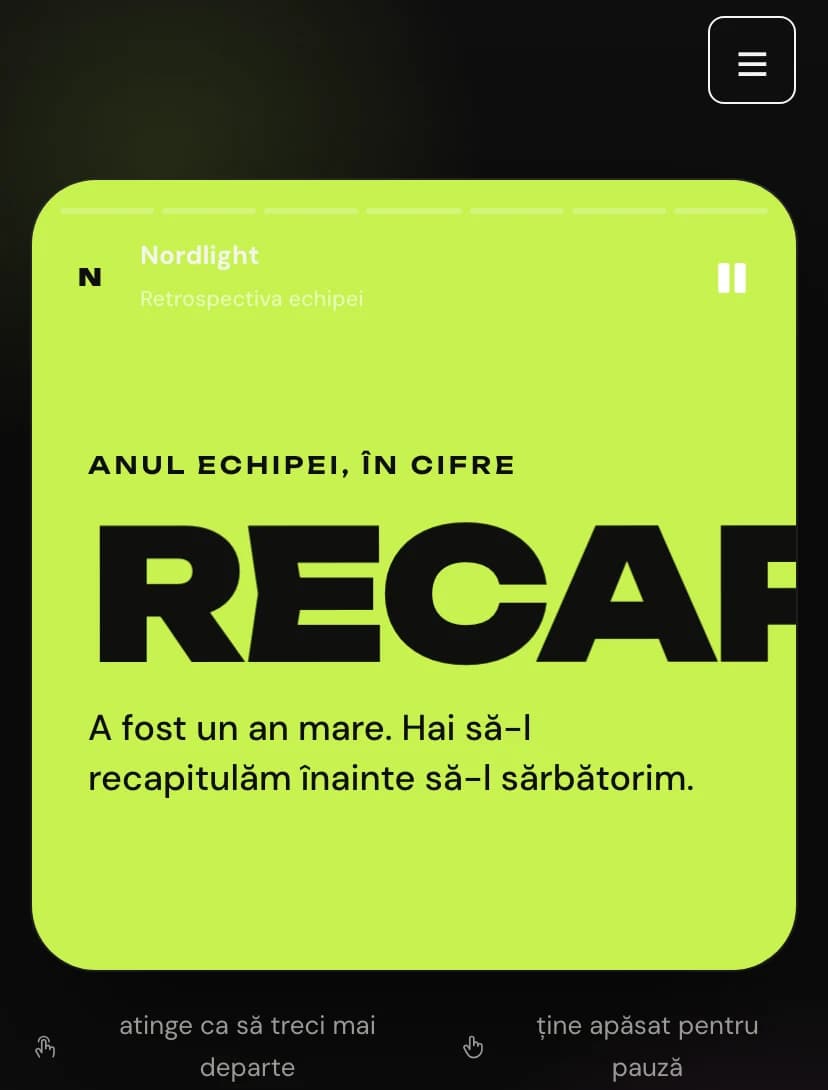
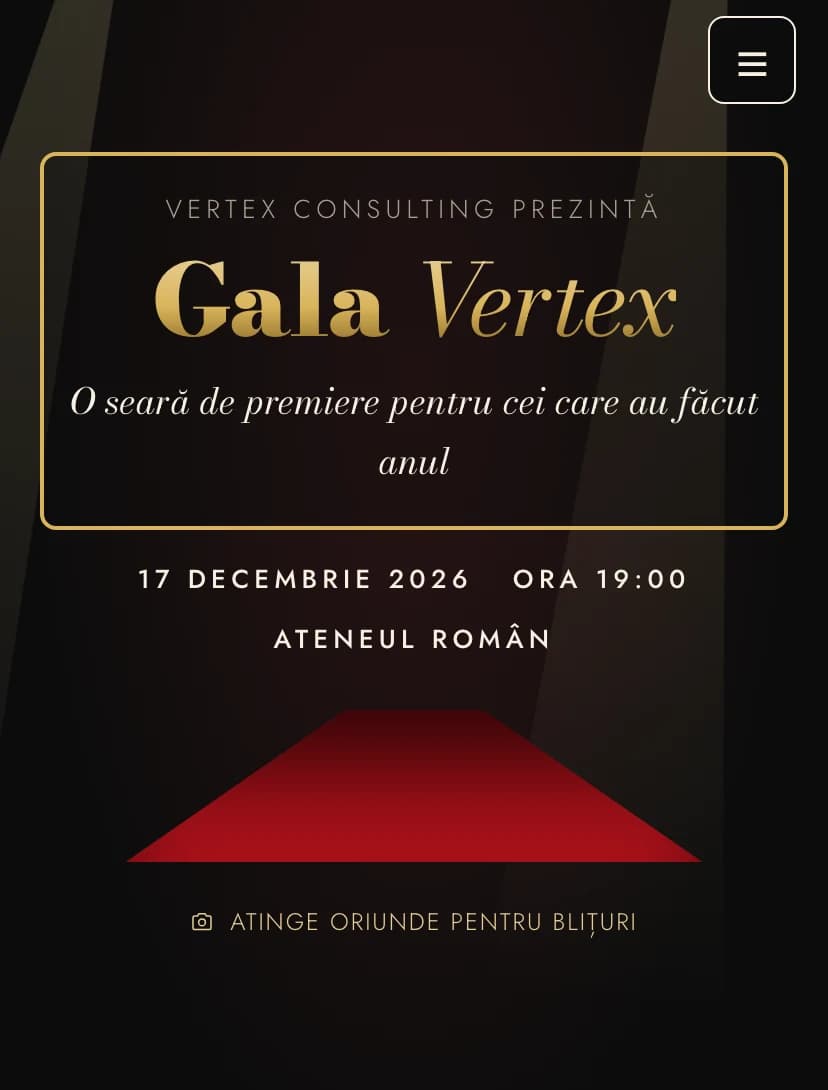
The team's event, in Product Launchstyle.
Open the design in the editor, personalize it in minutes and send the link. Free for up to 15 confirmations.